CutSkill 60
OPERATING MANUAL
INTRODUCTION 2-6 0-5574
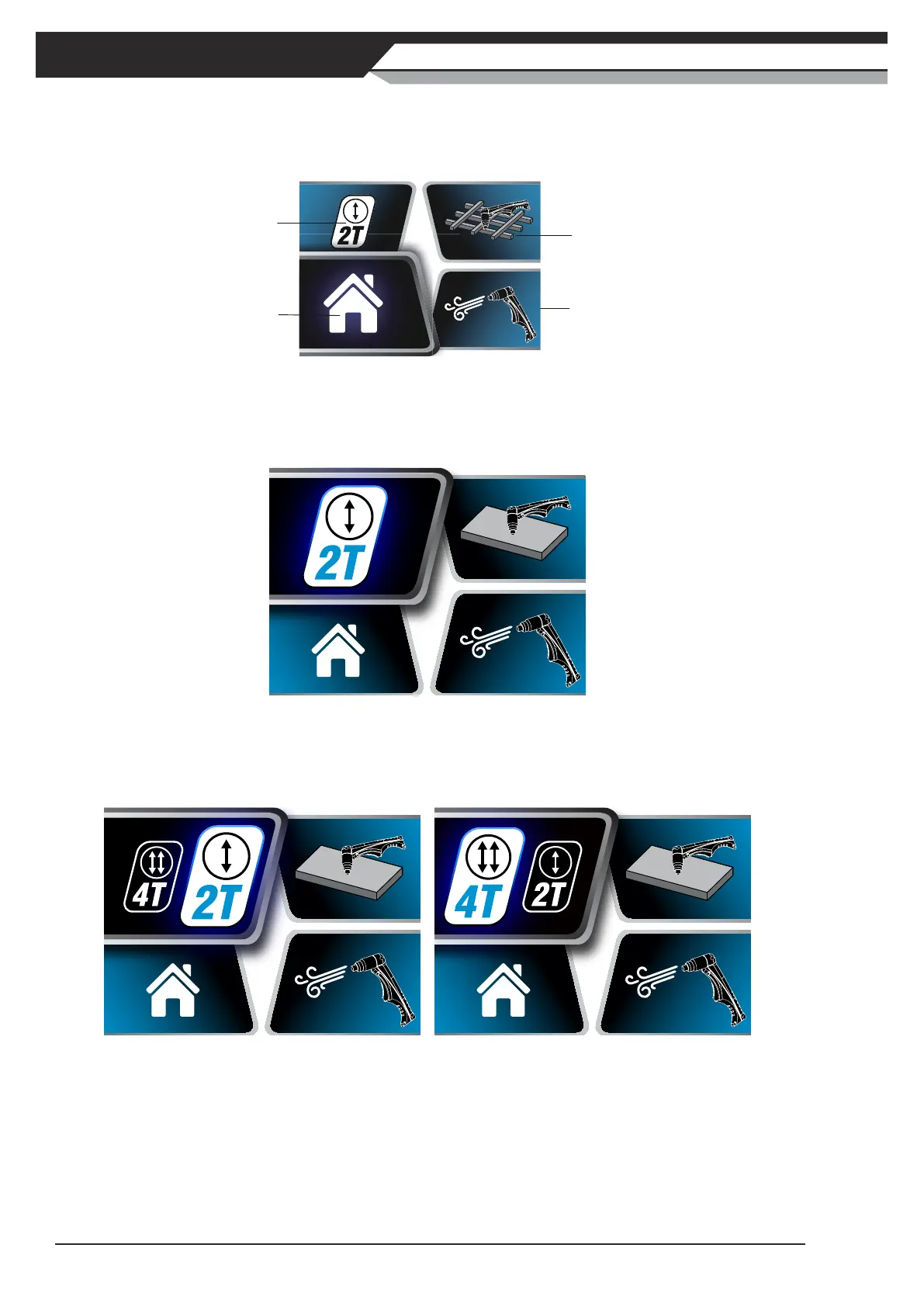
3. Menu Screen
PresstheControlKnobtoenterMenuScreen.InMenuScreen,theusercansettriggermode,cuttingmode,
and gas purge. Exit Menu Screen by selecting Home icon.
Trigger Mode
Gas Purge
Home Icon
Cutting Mode
Figure 2-8: Menu Screen
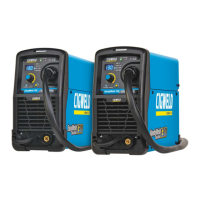
1) Trigger Mode Selection Screen
PresstheControlKnobwhenTriggerModesectionishighlightedtoenter2T/4Tselectionscreen.
Figure 2-9: Trigger Mode Screen Selected
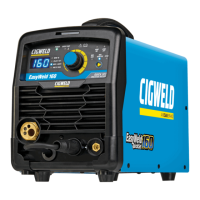
TurntheControlKnobclockwiseoranti-clockwisetochangetheselectionbetween2Tand4T,and
presstheControlKnobtoconrmtheselection.PresstheControlKnobagaintoexitTriggerMode
Selection Screen.
Figure 2-10: 2T Mode Selected Figure 2-11: 4T Mode Selected
The Trigger Mode control is used to switch the functionality of the torch trigger between 2T (normal)
and 4T (latch mode). In 2T mode, the torch trigger must remain depressed for the cutting output to be
active. Press and hold the torch trigger to activate the power source (cutting). Release the torch trig-
ger switch to cease cutting. 4T mode is mainly used for long cutting runs to reduce operator fatigue.
In this mode the operator can press and release the torch trigger and the output will remain active. To
deactivate the power source, the trigger switch must again be depressed and released, thus eliminating
the need for the operator to hold the torch trigger.



 To Next Page