CutSkill 60
OPERATING MANUAL
0-5574 2-7 INTRODUCTION
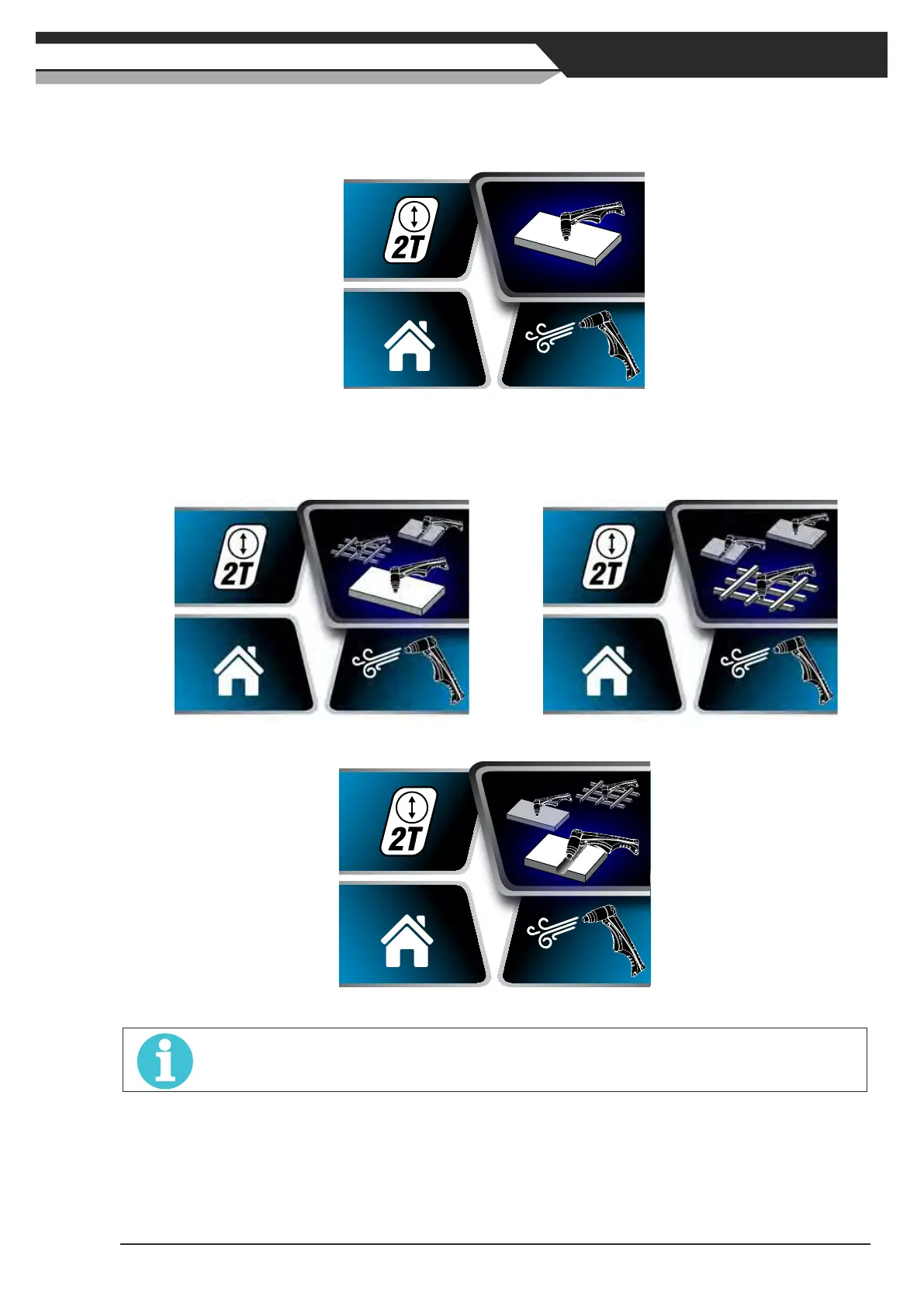
2) Cutting Mode Selection Screen
TurntheControlKnobclockwiseandpresswhenCuttingModeishighlightedtoenterCuttingMode
Selection Screen.
Figure 2-12: Cutting Mode Selected
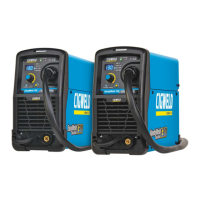
TurntheControlKnobclockwiseoranti-clockwisetochangetheselectionamongPlatemode,Grid
modeandGougingmode.PresstheControlKnobtoconrmtheselection.PresstheControlKnob
again to exit Cutting Mode Selection Screen.
Figure 2-13: Plate Mode Selected Figure 2-14: Grid Mode Selected
Figure 2-15: Gouging Mode Selected
NOTE
Please note that when trigger mode is set at 4T, both Gouging mode and Grid cutting mode are unavailable.
At plate cutting mode and when trigger mode is 2T, the arc will go out when the torch moves away
from the work piece during cutting operations. Press the trigger again to restart the pilot arc.
At grid cutting mode, when the torch moves away from the work piece the pilot arc restarts instantly,
and the cutting arc restarts instantly when the pilot arc contacts the work piece. Recommend to select
grid cutting mode for cutting expanded metal or gratings, or trimming operations when an uninterrupted
restart is desired.



 To Next Page