CutSkill 60
OPERATING MANUAL
INTRODUCTION 2-8 0-5574
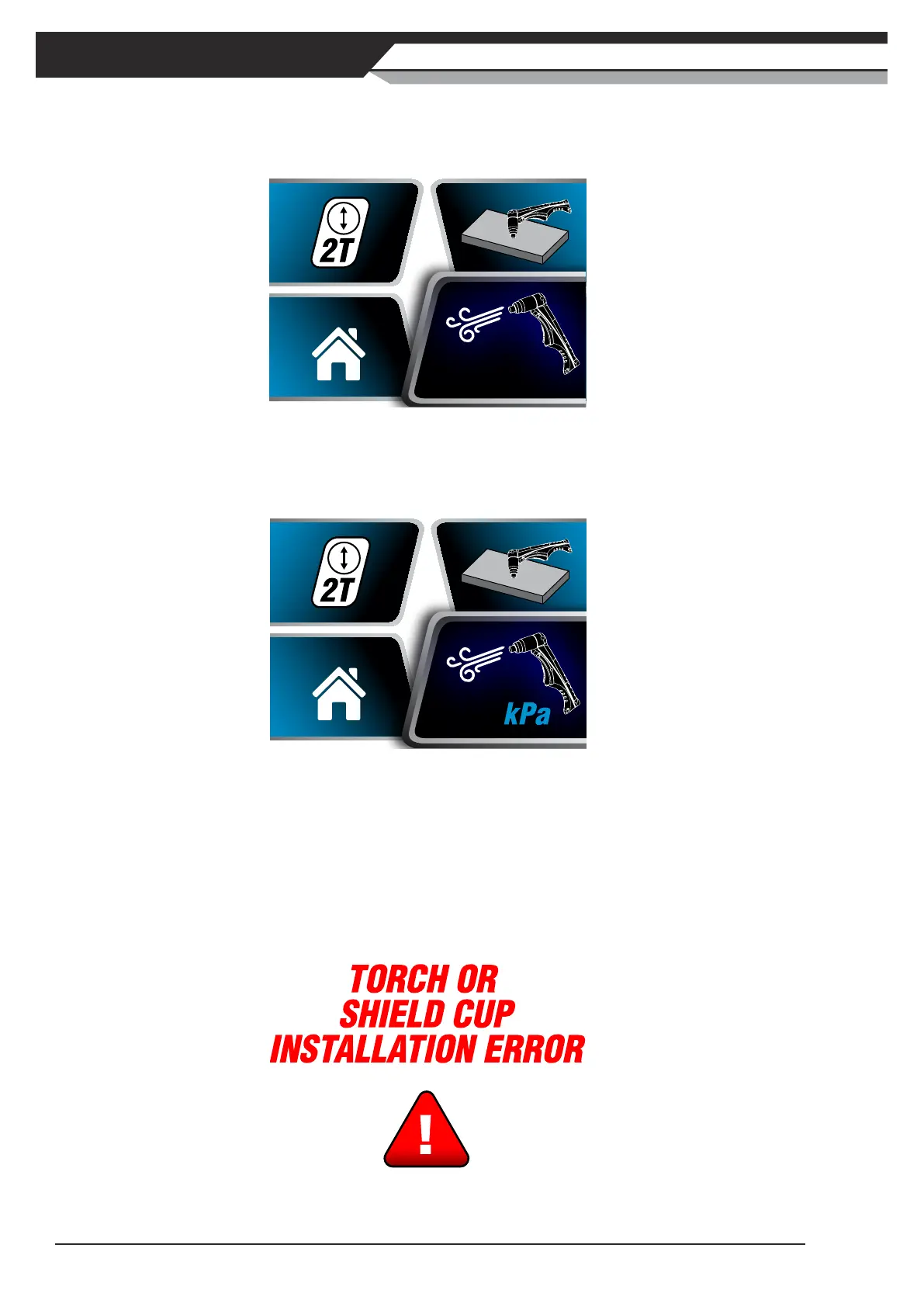
3) Gas Purge Screen
TurntheControlKnobclockwiseandpresswhenGasPurgeScreenishighlightedtoenterGasPurge
Screen.
Figure 2-16: Gas Purge Screen Selected
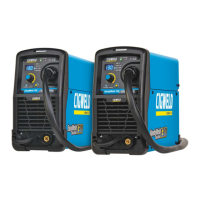
PresstheControlKnobtoturnONorturnOFFgaspurgefunction.WhengaspurgeisturnedON,air
pressure value is displayed in gas purge section. Gas valve is engaged and compressed air goes through
theplasmatorch.PresstheControlKnobagaintostopgaspurge.
460
Figure 2-17: Gas Purge Selected
4) Home Screen
TurntheControlKnobclockwiseandpresswhenHomeiconishighlightedtoenterHomeScreen.Press
theControlKnobagaintoexitMenuScreen.
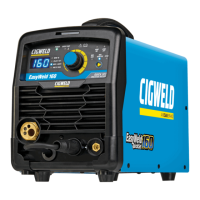
4. Torch or Shield Cup Installation Error Screen
Torch or Shield Cup Installation Error Screen displays when torch or shield cup of torch is not installed correctly.
Please switch the Input Supply ON/OFF switch to OFF and check the torch connection or shield cup installation.
Figure 2-18: Torch or Sheild Cup Installation Error Screen



 To Next Page