P20/62 T-IM114b
5.1.2 T20-m table base
WARNING
Before using the table, position the castors
under the base covers to help protect them
from any falling contamination.
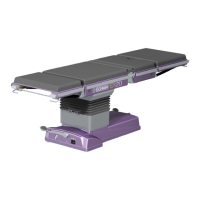
The T20-m table base has been provided with four large
castors. The table rests on these castors at all times
providing either a secure and static location on the
operating theatre floor (‘braked’), or two modes for easy
movement (‘castor’ and ‘wheel’ modes). Adjust the table
to a suitable height to achieve a stable position before
moving the table.
The T20-m table should always be left ‘braked’ with the
foot pedal in its lowest position. When familiar with sections
5.1.2.1 to 5.1.2.4, refer to the label on the table base as a
quick reference guide to pedal operation (label is illustrated
in Fig. 5.4).
To move the table it is placed into its ‘castor’ mode or ‘wheel’
mode. The latter enables easy movement of the table in a
straight line (down a corridor for example). The ‘castor’
mode provides full free wheeling mobility with 360° rotation
and movement sideways.
Adjusting the table into either of these modes does not
require battery power, they are manual operations achieved
by using the single foot pedal on the table base (see item 4,
Fig. 2.3).
5.1.2.1 Foot pedal operation
Foot pedal operation is easily achieved when the pedal is
operated with either foot whilst steadying yourself with your
hands on the tabletop. Stand on either side of the table or
the pedal end, which ever is the most suitable and easy.
Do not operate the pedal from the end of the table when a
long table section (e.g. a leg section) has been fitted to the
long trunk end, this may require unnecessary stretching
by the operator to reach the pedal. Operate the pedal from
the side of the table.
Use a steady motion rather than a ‘rapid’ movement of the
foot pedal, this provides easy identification of the ‘snap’
into any of its three positions.
5.1.2.2 ‘Braked’
To place the table into the ‘braked’ orientation press the
foot pedal (item 4, Fig. 2.3) down to its lowest position.
Operate the pedal as detailed in section 5.1.2.1. and press
the foot pedal down until it snaps into its lowest position.
The pedal can be moved from its highest ‘wheel’ position
through its central ‘castor’ position and into the ‘braked’
position in one easy movement.
The table is ‘braked’ when the foot pedal is in its lowest
position.
5.1.2.3 ‘Castor’ mode
To place the table into the ‘castor’ mode, move the foot
pedal (item 4, Fig. 2.3) into its central position. Operate
the pedal as detailed in section 5.1.2.1 and move the foot
pedal until it snaps into its central position.
The pedal is moved up from its lowest ‘braked’ position by
lifting the pedal up with the top of the foot, or down from its
raised ‘wheel’ position by pressing the pedal down with the
ball of the foot, until the pedal snaps into the central ‘castor’
position.
The table is in ‘castor’ mode when the foot pedal is in its
central position.
Note: When the table has been moved to the required
location always leave the table ‘braked’.
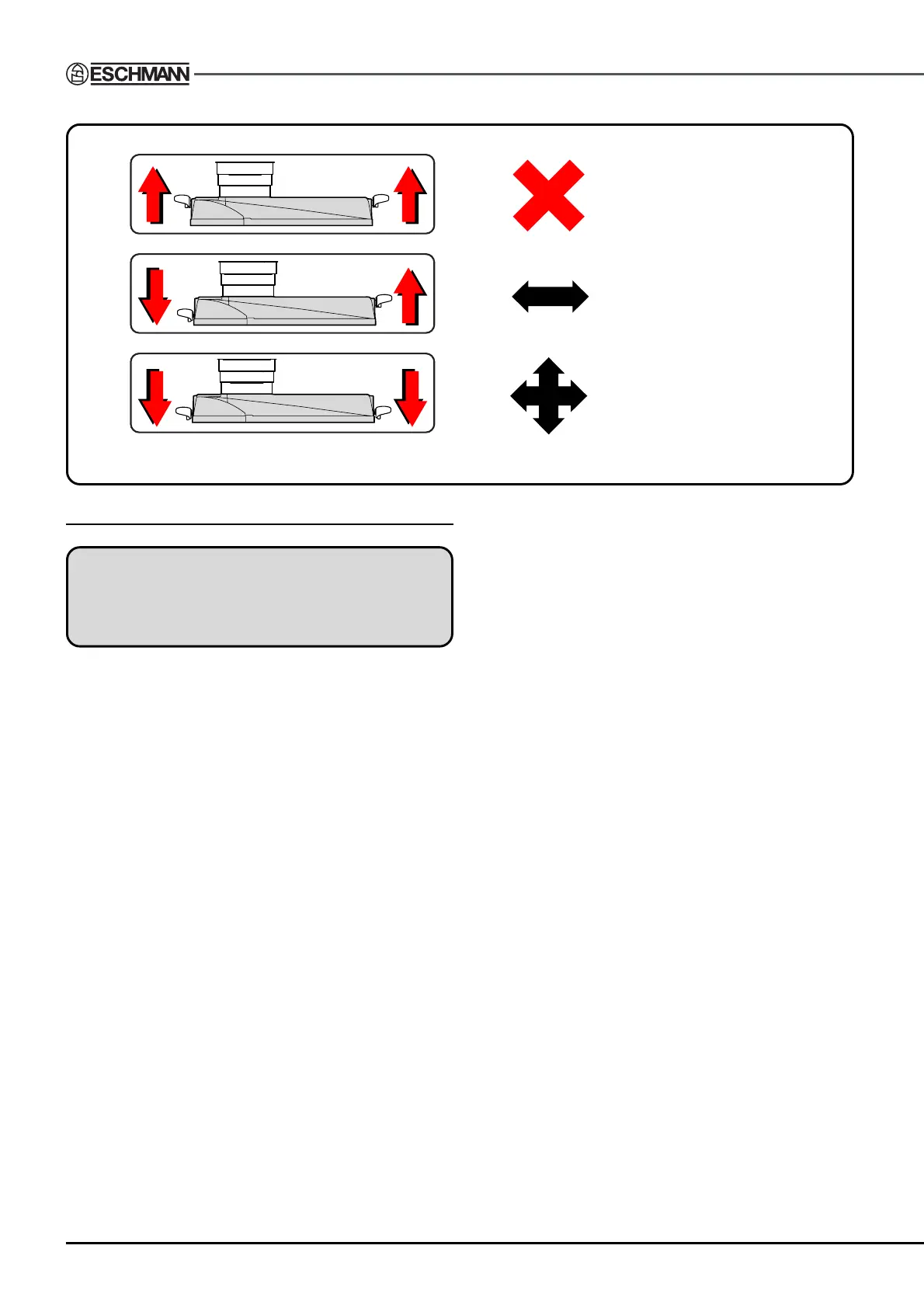
BRAKED
TABLE WILL NOT MOVE
CASTOR
PUSH IN ANY DIRECTION
WHEEL
PUSH IN A STRAIGHT LINE
=
=
=
Fig. 5.3 T20-a and T20-s foot pedal quick reference guide


 To Next Page