P48/62 T-IM114b
FAULT POSSIBLE CAUSE REMEDY
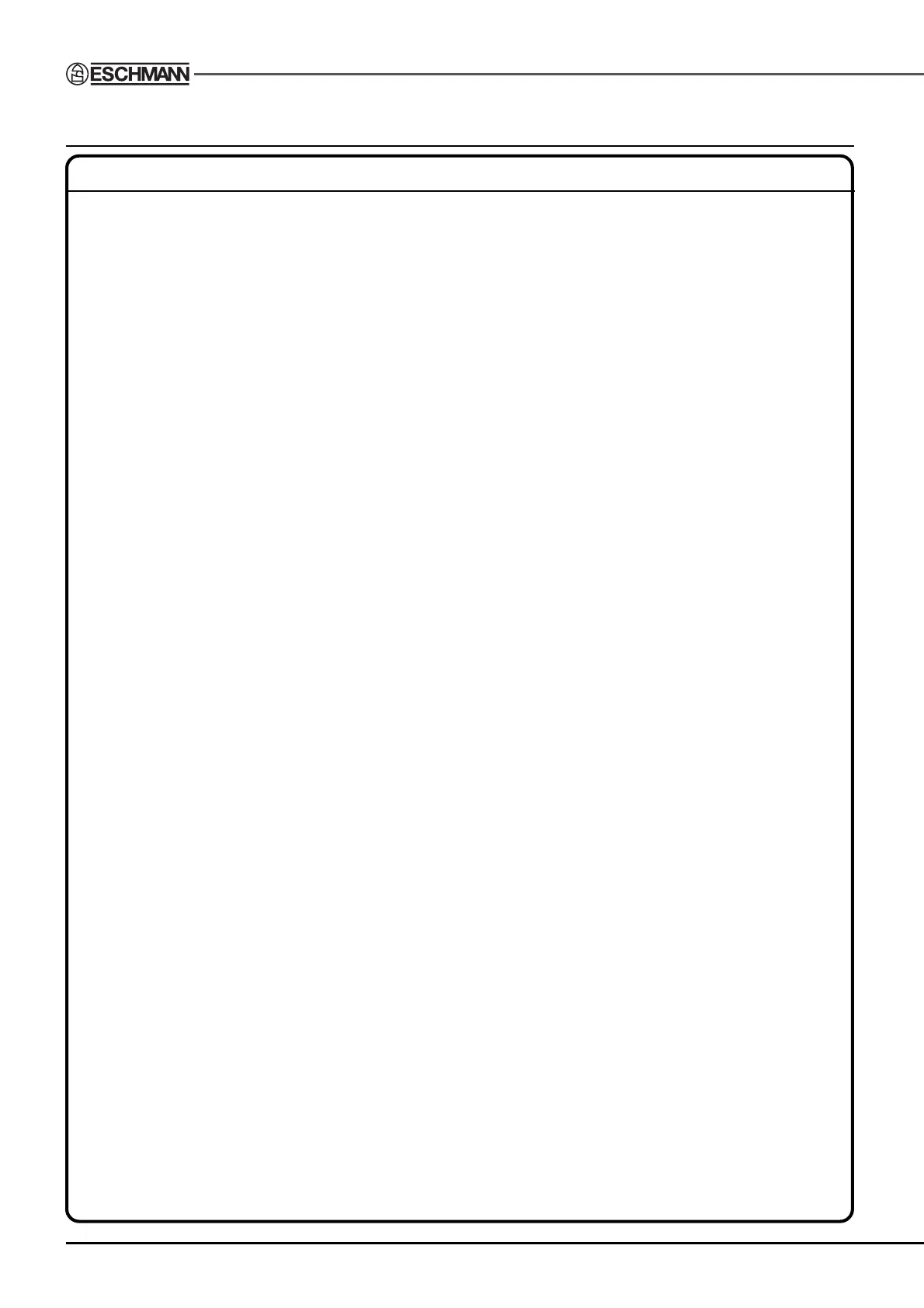
Table will not move in Table not switched ‘on’. Switch table ‘on’, switch 5, Fig. 2.2.
response to handset
or footswitch. Main batteries critically low, Recharge batteries see section 5.3.1.2
see 5.3.1.1 and Fig. 5.9. OR, in an emergency only control
the table using the standby control
panel as detailed in section 5.3.4,
OR, switch in the standby batteries as
detailed in section 5.3.1.4.
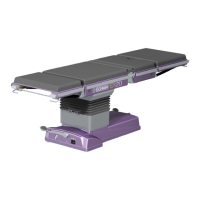
Corded handset or footswitch Connect handset (see 5.3.3) or
not connected to table. footswitch to table.
Handset or footswitch Replace handset or footswitch with
faulty, or possible flat battery one known to work, or engineer to
in infrared handset. arrange replacement of infrared hand
control batteries.
Infrared handset has a different Use a compatible handset, see
identifier code to the table. infrared handset ‘User Handbook’..
Infrared handset has infrared Remove labels/fingers from window.
windows blocked by labels/fingers.
Table not configured for infrared Arrange to have table configured for an
handset. infrared handset by a Service Engineer.
Battery fuse blown. Replace fuse as detailed in section 5.3.5,
for T20-a and T20-s only, or, switch to
standby battery as detailed
in section 5.3.1.4.
Table has reached the limit Press alternative button.
for that button function.
Two buttons on one controller Release both buttons and press
being pressed at the same time. only one button at a time.
An internal error has been Release button, wait 2 seconds for
detected in the control system. error to clear, press button again.
Signal from infrared handset Move handset around table or
blocked by object or personnel. closer to the pedestal.
Signal from one controller Only use one type of handset
being overridden by another with a table at any time.
controller (see section 4.6.1.2).
Main table batteries have failed. Switch in the standby batteries as
detailed in section 5.3.1.4.
Maximum load of function selected Assist table motion or reposition patient
has been exceeded. to reduce the offset load.
Table motion physically blocked Move object or reposition table.
(e.g. leg section hitting floor)
Two handsets connected to table Disconnect one (either) handset.
TABLE 1 - FAULT DIAGNOSIS


 To Next Page