Function 1: System parameters IP Series Installation Manual
D.4
3.
Enter the number to be dialed (including the line group — 9, 8 or 71–76). Press the left scroll
key (▼) to delete any character or digit entered in error. Here’s an example:
1. 2. 3.
Location no. Name Number
601 AUTO RENTL 915552221212
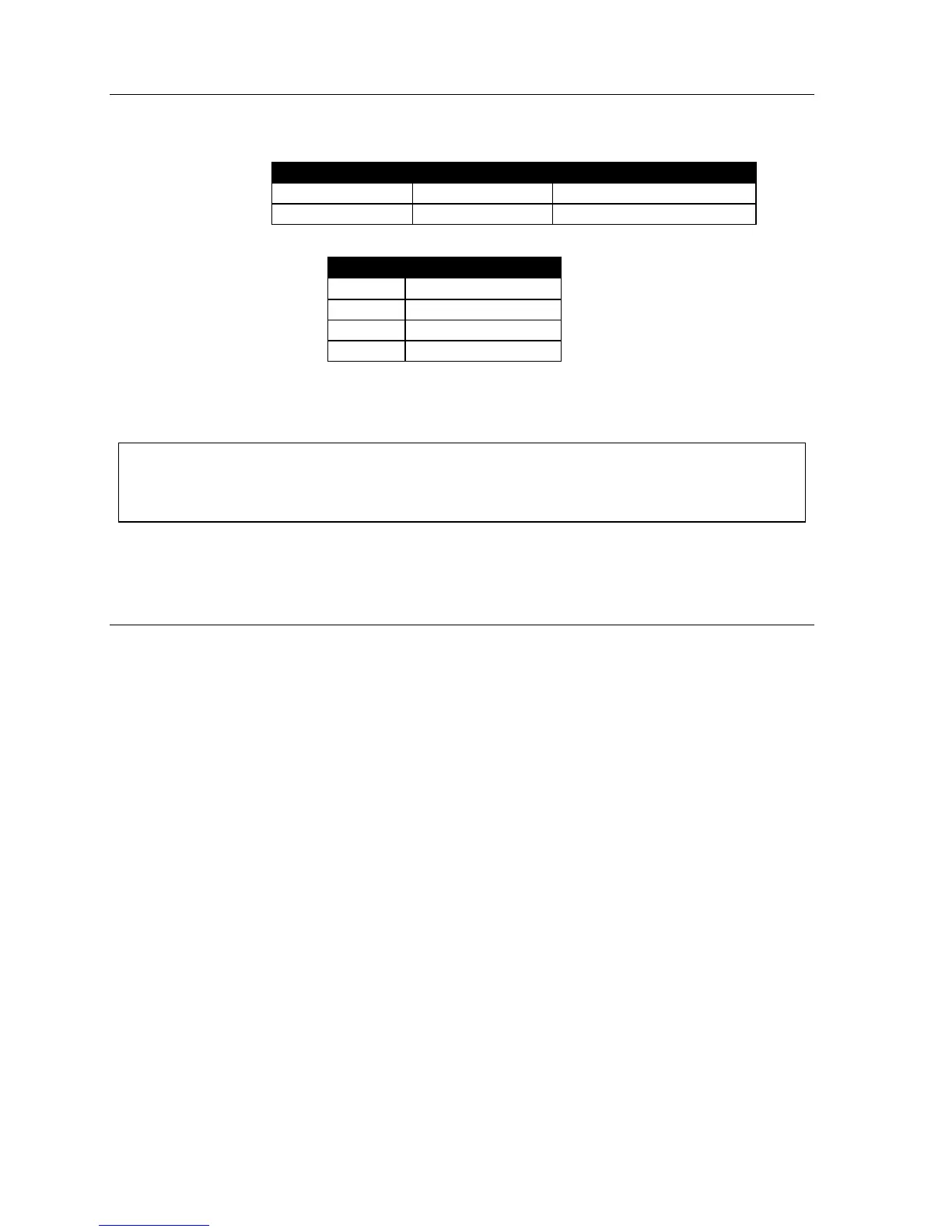
The number dialed in step 3 can be up to 30 digits long including the following special codes:
Code What it produces
# # DTMF tone
*
* DTMF tone
F Flash hook
P 2-second pause
To insert a special code, press the right scroll key to select the desired special code: # , * , F or P.
Press # to confirm the inserted character and continue. Press # # to complete the entry.
Example: To create a System Speed Dial number that dials 9, then 972-555-5644,
then pauses for 4 seconds and finally dials #104, enter:
9 9 7 2 5 5 5 5 6 4 4 (scroll to) P # (scroll to) P # (scroll to) “#” # 1 0 4 #
Deleting a speed dial number
To delete an entire speed dial number and name, delete the location number (6 X X) by pressing
HOLD or the left scroll key (▼) during step 1 in the speed-dialing procedure described above.
Function 18: Serial maintenance port baud rate
The system’s serial ports are dedicated to SMDR and maintenance.
Range: Programmable for 300, 1,200, 2,400, 4,800, 9,600, 19,200, or 38,400 bps.
Default: 38,400 bps.
SMDR port
(Called “Port 1” in the display.) Real-time SMDR call records are continuously output to the SMDR port.
Maintenance port
(Called “Port 2” in the display.) A laptop PC can be connected to this port for on-line programming
and diagnostics. Reports generated in Function 7 are also output to this port.
Programming steps
1.
Select the port by pressing a scroll key (▼ or ▲) until the desired port is displayed.
2. Press # to confirm.
3. Select the baud rate by pressing a scroll key (▼ or ▲) until the desired rate is displayed.
4. Press # to confirm.



 To Next Page