IP Series Installation Manual Function 5: Voice mail programming
H.3
Each programming step is defined as follows:
1. Mailbox number — Enter a mailbox number, 300–489.
2. Name — The mailbox name is used for the LCD display, reports, and as a programming aid. The
name length can be no longer than 10 characters (see “Entering alphanumeric characters,”
page C.2).
Default: The Mailbox number.
3. Type — Select a mailbox type: Guest or Info.
Default: Guest.
4. & 5.
Call forward (info mailbox only) — An info mailbox can be set to call forward after the per-
sonal greeting has played to an extension, department, a mailbox or a branch ID for day mode
and differently for night mode.
Default: ID9999 (automatic disconnect)
Function 54: Group mailboxes and the broadcast mailbox
Broadcast mailbox
Mailbox 500, the broadcast mailbox, is a special group mailbox which can be used to leave mes-
sages for all of the system’s station users (extensions 100–195 and 200–229) who have recorded
a personal greeting. The broadcast mailbox’s user list cannot be edited. Guest mailboxes are not
included in the broadcast group.
Group mailboxes
You can assign up to 16 group mailboxes (501–516) to the IP Series system; each group mailbox
can have up to 32 members. Anyone who knows the password can leave messages for all users
listed as members of that group and who have recorded a personal greeting. The Installer, Adminis-
trator or group mailbox “owner(s)” may set or change the list of Group Mailbox members. To record
a greeting, press PROG/HELP * followed by the mailbox number; then press # to confirm, and
follow the prompts. The default password is the mailbox number.
Important: A group mailbox is turned “on” (able to record and playback messages) only when
its “owner” has recorded a greeting for it, such as “This is the group mailbox for East
Coast Regional Sales.” Similarly, deleting the group mailbox greeting will turn “off”
the group mailbox; any outstanding messages will remain in its members’ mailboxes
until erased by each member.
Note: If 0 (zero) is programmed as the password, anyone can leave group messages or program
the Group Mailbox.
Note: If a user saves a group message, it will be saved as a new message.
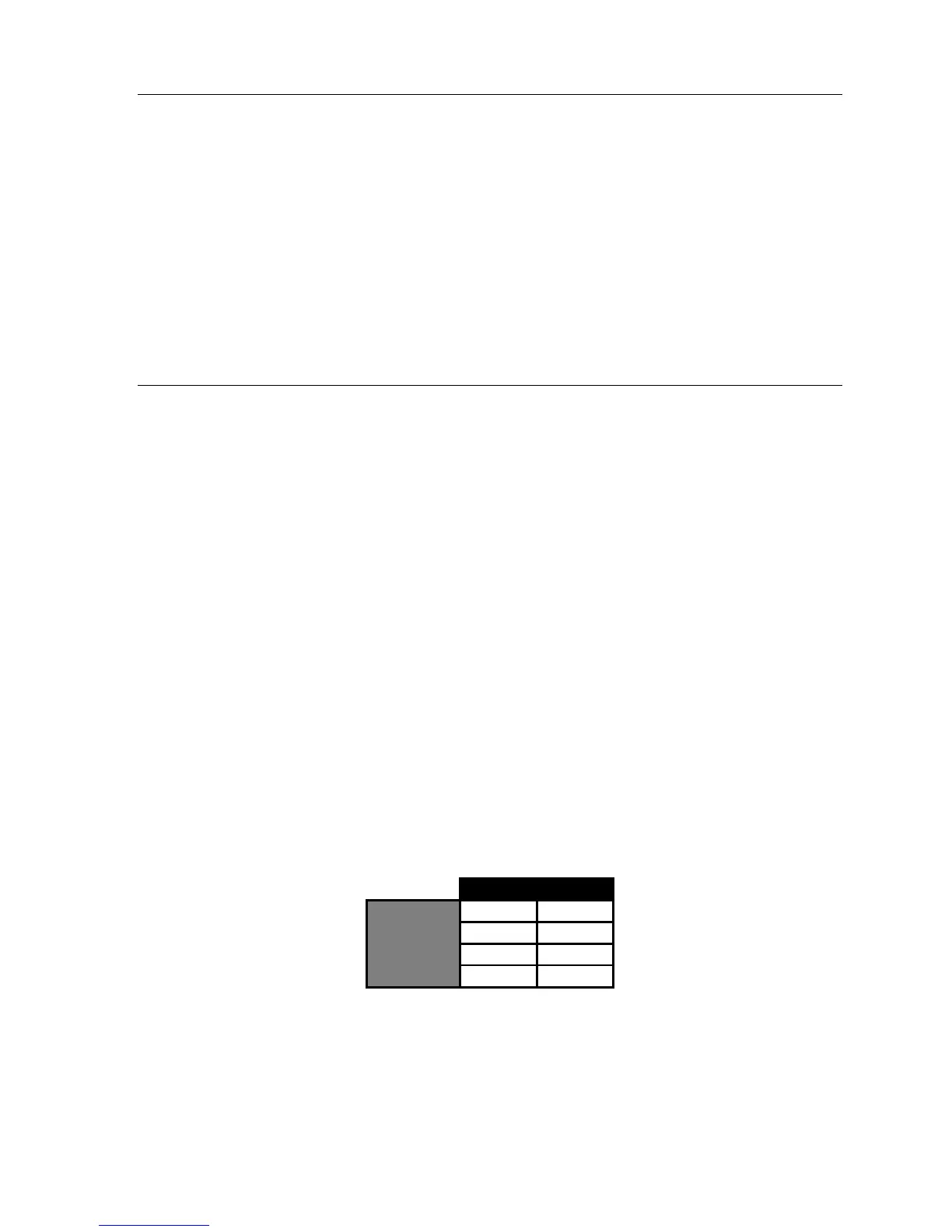
501 502
102 122
104 403
106 414
Members
107
The sequence of programming is as follows:
1. Enter the group mailbox number — Range: 501–516.
2. Enter group member mailboxes’ numbers — Separate each by #; enter # # to end the list.
Range: User mailboxes (100–195 and 200–229) and guest mailboxes (300–489).



 To Next Page