Function 3: Extension programming IP Series Installation Manual
F.6
Analog ports
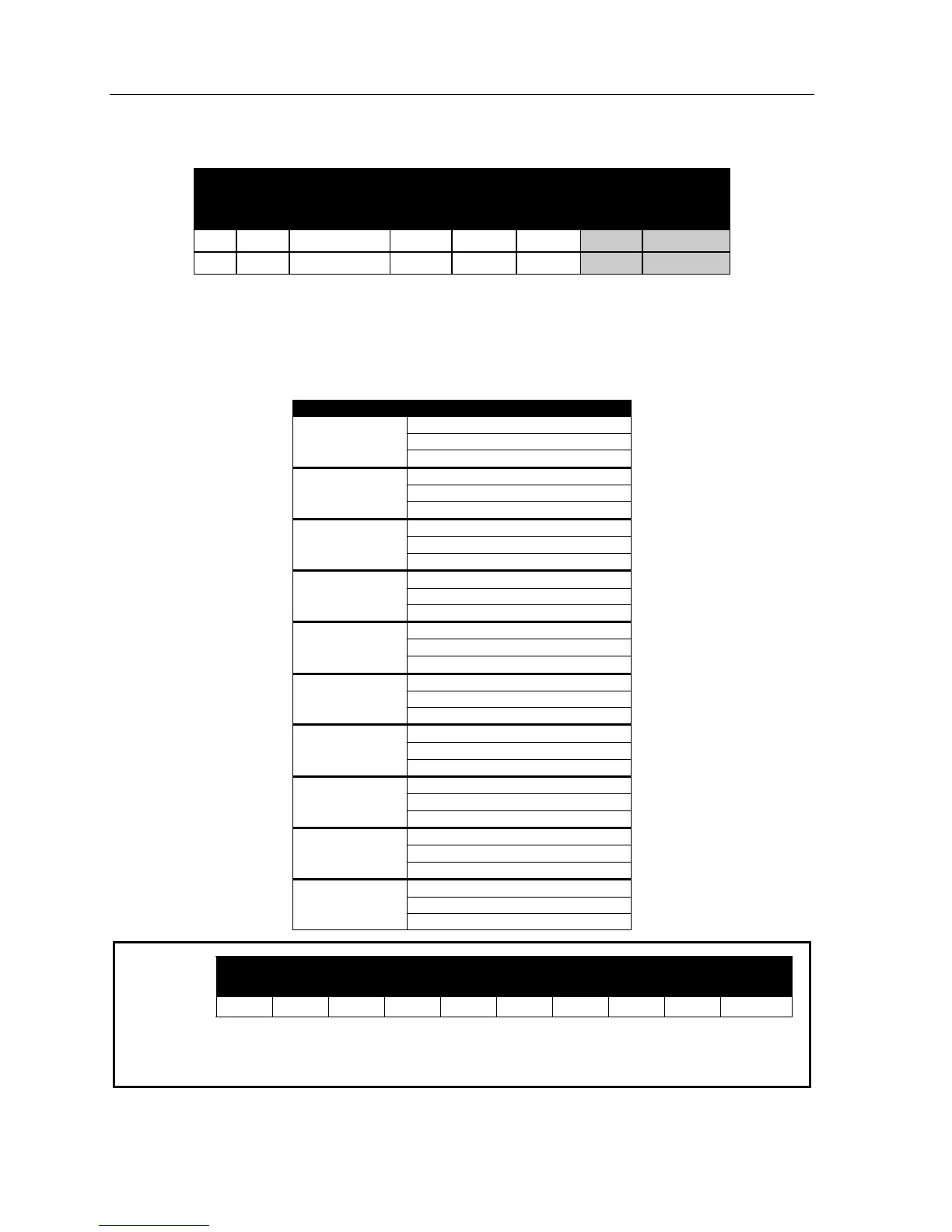
The following is an example of a completed worksheet (Appendix II) for analog devices:
1. 2. 3. 4. 5. 6.
Ext. Type Name Line
groups
CF
day
CF
night
Paging
zone
Operator
translation
200 EXT Roger 2 9 MB106 MB106
201 FAX Fax 9 ID9999 ID9999
Here are the steps for programming analog ports:
1. Extension number
Analog port extension numbers are assigned numbers beginning with 200. An IP 200 equipped with
ten 303 cards potentially could have analog extensions numbered to 229. Analog extensions are
tied to the location on the port card (e.g., the first device on the first 303 card will be extension 200).
Card location Extensions
200
201
303
(first card)
202
203
204
303
205
206
207
303
208
209
210
303
211
212
213
303
214
215
216
303
217
218
219
303
220
221
222
303
223
224
225
303
226
227
228
303
(last card)
229
IP 200 slot:
Example:
10 9 8 7 6 5
4 3 2 1
303 303 303
303 Card in first slot would be assigned extensions 200 through 202.
303 Card in second slot would be assigned extensions 203 through 205.
303 Card in third slot would be assigned extensions 206 through 208.



 To Next Page