Function 4: Auto attendant programming IP Series Installation Manual
G.6
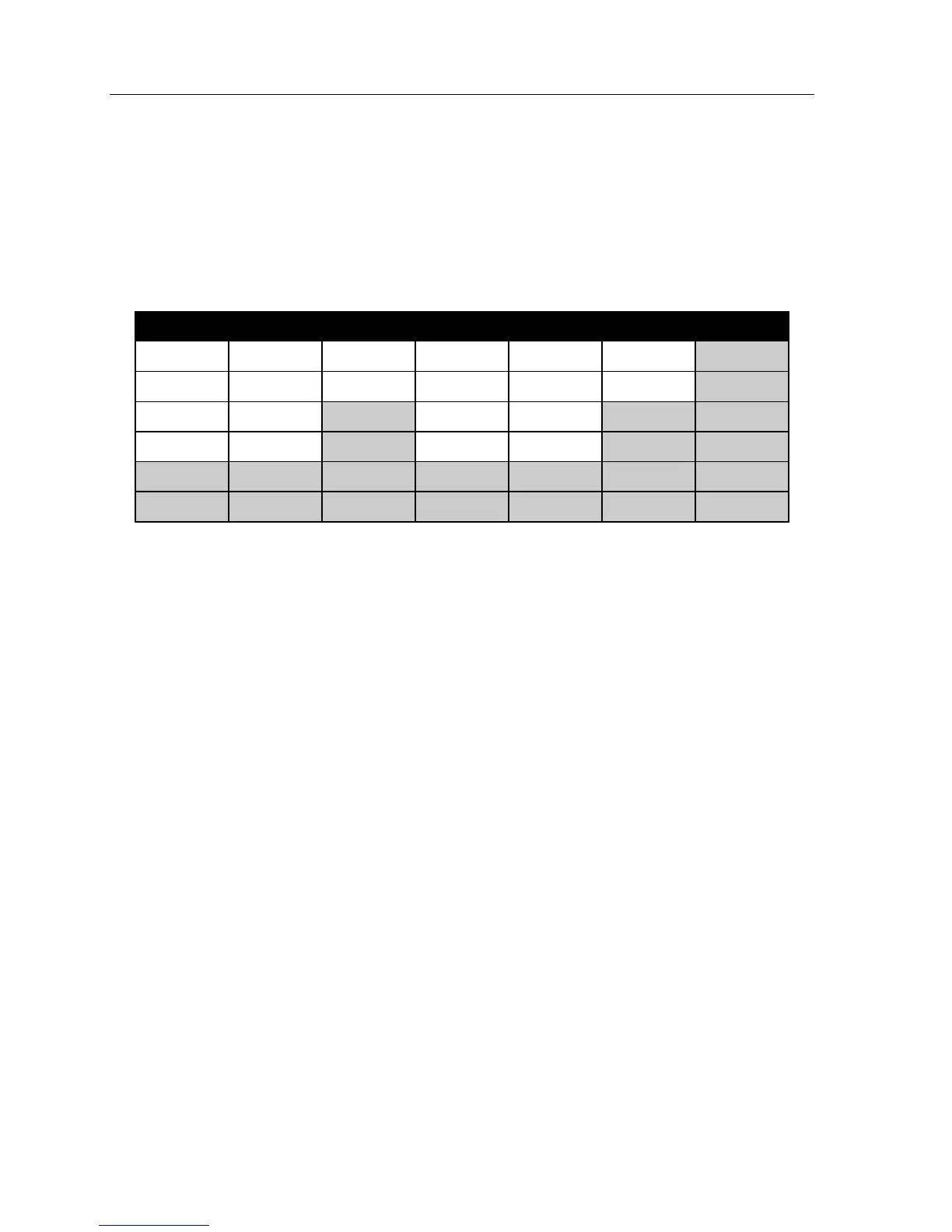
Day/night mode worksheet example
In the example below, the company has:
• Day mode programmed for: 8 AM to 12 noon Monday, Tuesday, Thursday and Friday; 8 AM to 2
PM Wednesday and Saturday; and 1 PM to 5 PM Monday, Tuesday, Thursday, and Friday.
• Night mode programmed for after 5 PM.
• Night2 mode for Wednesday and Saturday after 2 PM and all day Sunday.
• Day2 mode for lunchtime Monday, Tuesday, Thursday and Friday.
Mon. Tue. Wed. Thu. Fri. Sat. Sun.
0800 D 0800 D 0800 D 0800 D 0800 D 0800 D
1200 D2 1200 D2 1400 N2 1200 D2 1200 D2 1400 N2
1300 D 1300 D 1300 D 1300 D
1700 N 1700 N 1700 N 1700 N
Remote setting of day, night, holiday and auto modes
Normally, the system’s day/night mode operation will be manually controlled at an IP Feature
Phone and/or set to follow automatically the day/night mode tables (programmed by the Installer).
Also, the Administrator can remotely change the mode and/or re-record ID1 and the holiday greet-
ing to handle unexpected closings, such as for inclement weather.
Remotely logging into the system with either the Installer password or the Administrator password
lets the caller re-record the ID1 greetings (day, night, day2 and night2) and the holiday greeting, as
well as change the mode to day/night/holiday/day2/night2 (or auto).
To change the answer mode and main greetings remotely:
1. Dial the main number that the auto attendant answers.
2. At the main greeting, enter **789# or **456# (or the new password) — to enter remote
programming mode. You’ll hear prompts (see “Prompts for remote settings: An outline,”
page G.7) that will allow you to change the answer mode (day, night, holiday, day2, night2
or auto) and re-record the day, night and holiday greetings. When you select any of the
“record ... greeting” prompts, you’ll hear the current greeting and then be prompted to
press 1 to record a new greeting.
3. To exit or go back to the previous section, press * (you may also exit by hanging up).
For more information on day, night and holiday modes, refer to:
• “Function 61: Re-record system prompts,” page I.1.
• “Live Outside Calls • Operator Station,” in the IP Series User’s Guide (#0450-0189).



 To Next Page