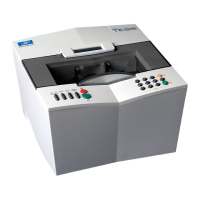
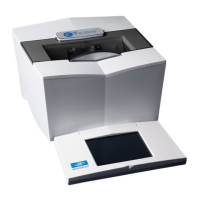
Essilor E-Tess Tracer
4- Using the e-Tess tracer
34
b. Method 2
Click on the numeric zone of the dimension you want to modify. A calculator is displayed
on screen:
Enter the required value, either with the + and – keys or directly on the numeric keypad.
You can delete any value with the eraser
.
Validate your choiceor cancel your request .
3. The numeric value of the dimension is automatically modified (red display). On the display zone, you
can also compare your new shape (green display) with the original shape (purple display).
You can cancel the requested alteration(s) at any time by pressing key F repeatedly.
4. When your alteration is finished, you can:
- Save the shape permanently:
The shape will be saved with a new job number.
Click on key E.
A window displays a job number, available in the list:


 To Next Page
 Loading...