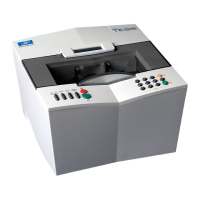
Essilor E-Tess Tracer
4- Using the e-Tess tracer
26
3. USING THE e-TESS TRACER
3.1. DESCRIPTION OF THE TRACER
3.2. INITIALISATION
1. Power up the tracer with on/off switch,
2. Wait during the initialisation phase (automatic tests of the tracer functions),
The graphic bar indicates the progress of the initialisation phase.
3. After "successful" initialisation, indicated by an audible beep, the tracer screen is displayed, the tracer
is ready to trace an object,
By default the tracer is in current job (A):
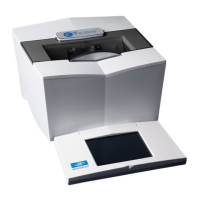
Protective cover
Tracing chamber


 To Next Page
 Loading...