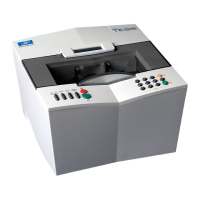
Essilor E-Tess Tracer
25 3- Check Pro
: The calibration is not OK, a window displays the error message code,
Refer to Chapter 7 to find the cause of the problem,
Then click on to exit the Check Pro screen and press √ to validate the code on your
tracer.
: The calibration is OK, you can continue using your tracer, the tracer display is ready for a job.
11. Click on to exit the screen.


 To Next Page
 Loading...