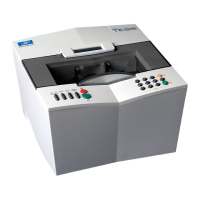
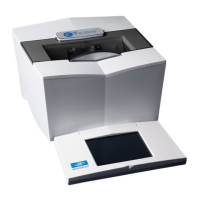
Essilor E-Tess Tracer
19 3- Check Pro
2.7. USE
Click on the icon on your PC desktop, the application starts:
From this screen, all functions can be accessed using icons.
N.B. So that Check Pro can communicate with your e-Tess tracer, remember to configure them together
(see Chapter 2.3.).
Statistics
1. Click on: ,
Total number of cycles
Number of symmetric binocular cycles
Number of dissymmetric binocular cycles
Number of right eye monocular cycles
Number of left eye monocular cycles
Number of very high curve cycles
Number of pattern cycles
Number of calibrations
Number of calibration checks
Number of High Precision traces (metal)
Number of "precal" cycles


 To Next Page
 Loading...