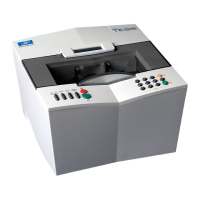
Essilor E-Tess Tracer
3- Check Pro 2
0
2. To exit the screen and return to the previous screen, click on .
Error messages
1. Click on: ,
2. The error codes are displayed in the left column with the quantities saved opposite,
3. To exit the screen and return to the previous screen, click on .
: Partial statistics
: Total statistics
Each line indicates a dedicated function of your tracer.
List of "technician" errors saved.


 To Next Page
 Loading...