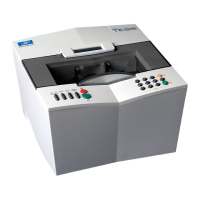
Essilor E-Tess Tracer
21 3- Check Pro
PC configuration
1. Click on: ,
2. In the "Language" tab, choose the application operating language,
3. In the "Port" tab, configure the connection between your e-Tess tracer and your PC (see Chapter
2.3.),
4. Click on "OK" to save your parameters and return to the previous screen, or click on "Cancel" to
return to the previous screen (without changing the parameters).
About
1. Connect your tracer to your PC according to the chosen connection method,
2. On the main screen, in the tracer selection list, display the port to which your tracer is connected, e.g.
COM1,
3. Click on: ,


 To Next Page
 Loading...