Before un-strapping the Centurion Box, visually inspect the shipping carton for any
damage. Call EST Analytical at (800)283-3510 immediately if visual damage is present.
Cut the strapping and lift the top box cover off the box and put aside. Lift the outer box
shell off the Centurion and put aside. Remove the excess foam packing material from the
top of the Centurion and put aside.
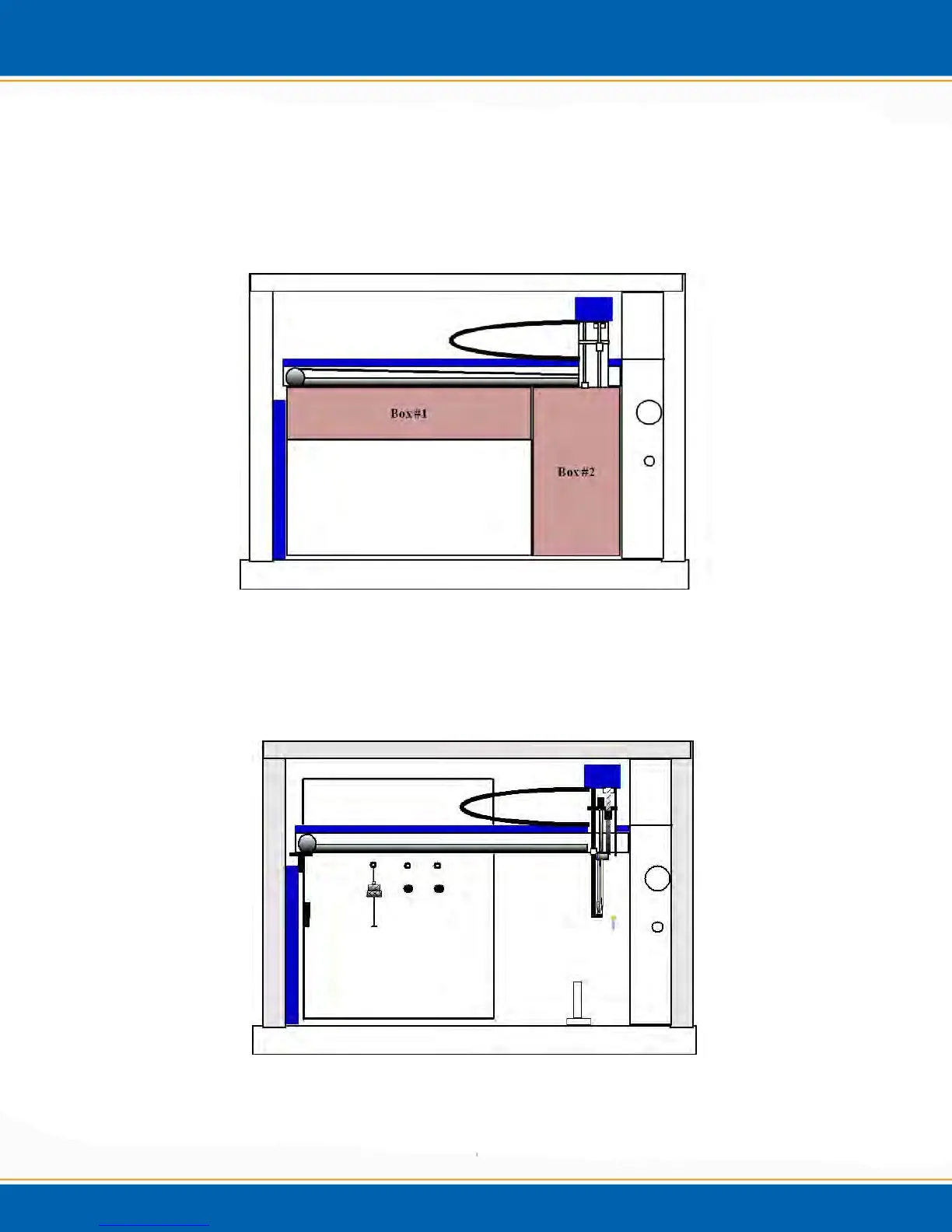
Figure 2b: Instrumentation Packing 1
Remove the two boxes inside of the Centurion main body. Box #1 contains the vial
storage trays. Box #2 will contain the installation kit, I/O cable, keyboard, mouse,
internal standard vessel, and power cord.
Figure 2c: Instrumentation Packing 2



 To Next Page