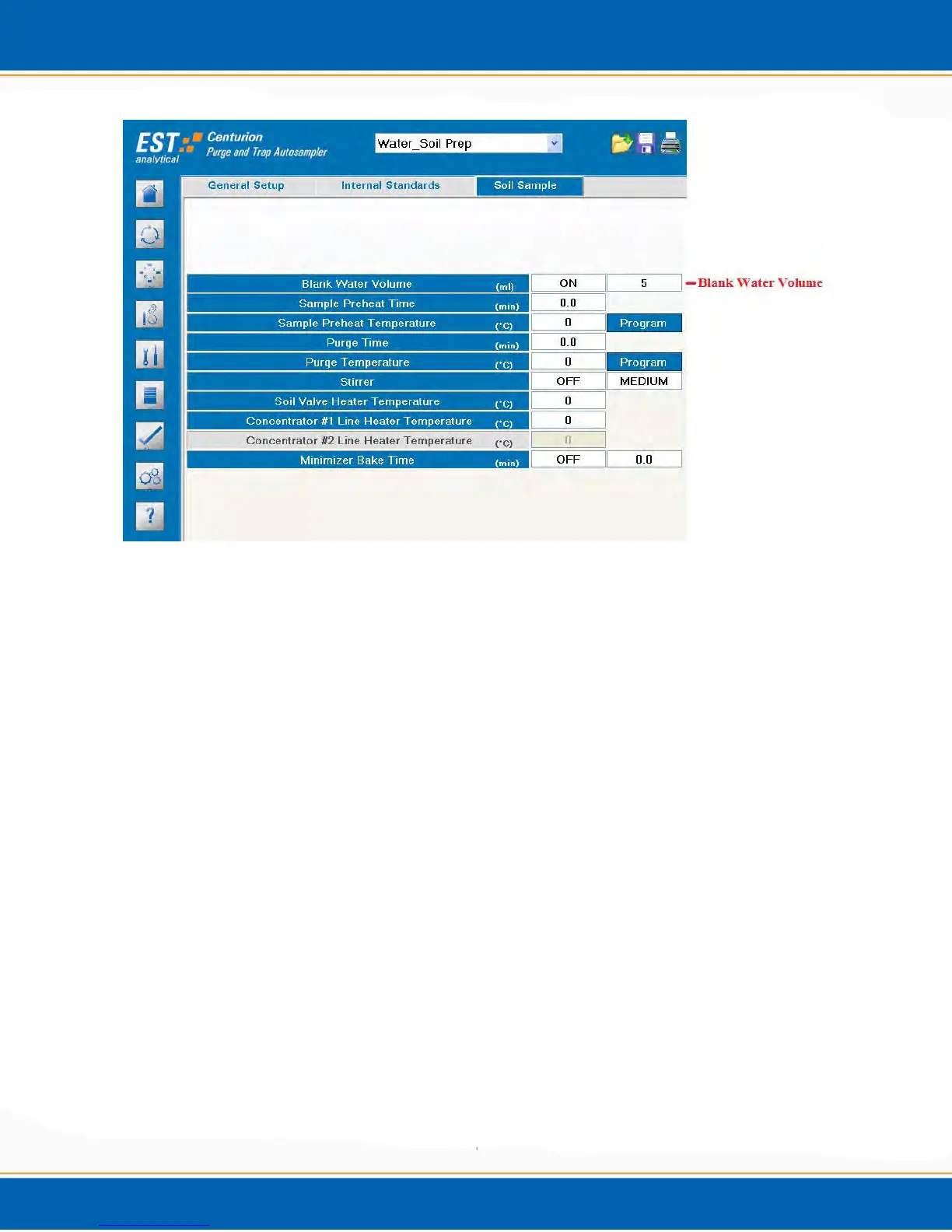
Figure A2: Water/Soil Prep Mode Soil Sample Parameters
4. Save the sample method.
5. Set up the samples. NOTE: Samples need to be placed in positions 51 through 100,
and empty vials need to be placed in positions 1 through 50. The sample in position
51 will be transferred to the empty vial in position 1, 52 would transfer to vial 2,
etc…
6. Set up the sample sequence. <click> on the Sequence Screen tab on the left hand side of
the Centurion software screen.
7. <click> the arrow next to the Select Method box on the bottom right of the screen. Next,
select the experimental method. See Figure A3.
8. <click> the arrow next to the Extraction box and select Wtr/Soil Prep., see Figure A3.
9. <click> in the Start Vial box and fill in the sample position of the first vial. See step 5.
Next, <click> in the # of Vials box and fill in the number of sample vials; then <click>
Insert. See Figure A3. NOTE: Even though samples are placed in position 51 and
empty vials are placed in position 1, the Start Vial position number should be the
empty vial start position, NOT the sample vial start position.



 To Next Page