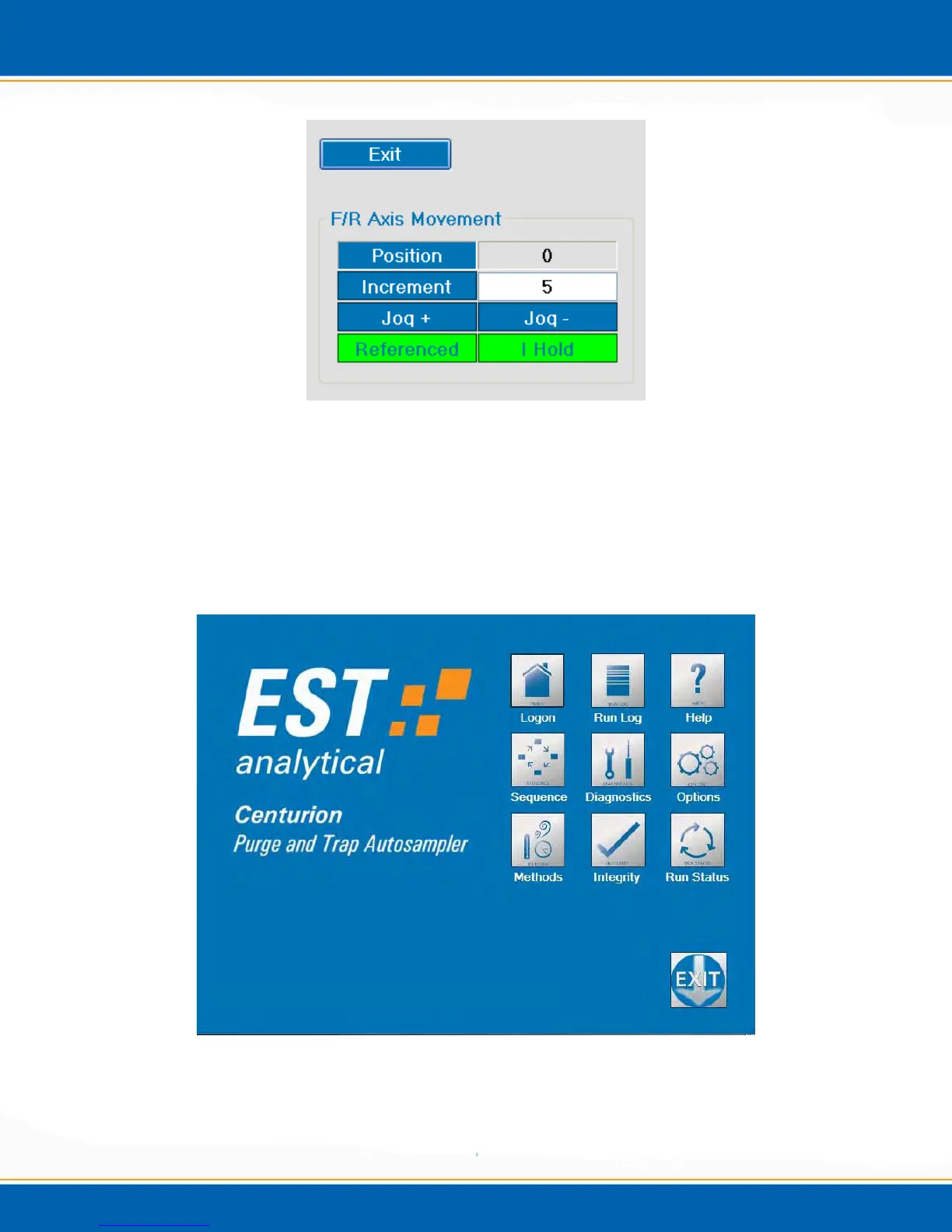
Figure 3f: F/R Axis Movement Screen
Gripper Movement and F/R Axis Movement: The Position count displayed is the
current position of the gripper. To move the gripper, enter the desired Increments
and select Jog + or Jog -. <click> Referenced to home the axis.
7. The Main screen will then be displayed as shown in Figure 3g. The Centurion is now
ready for operation.
Figure 3g: Centurion Main Screen



 To Next Page