3.8 Options
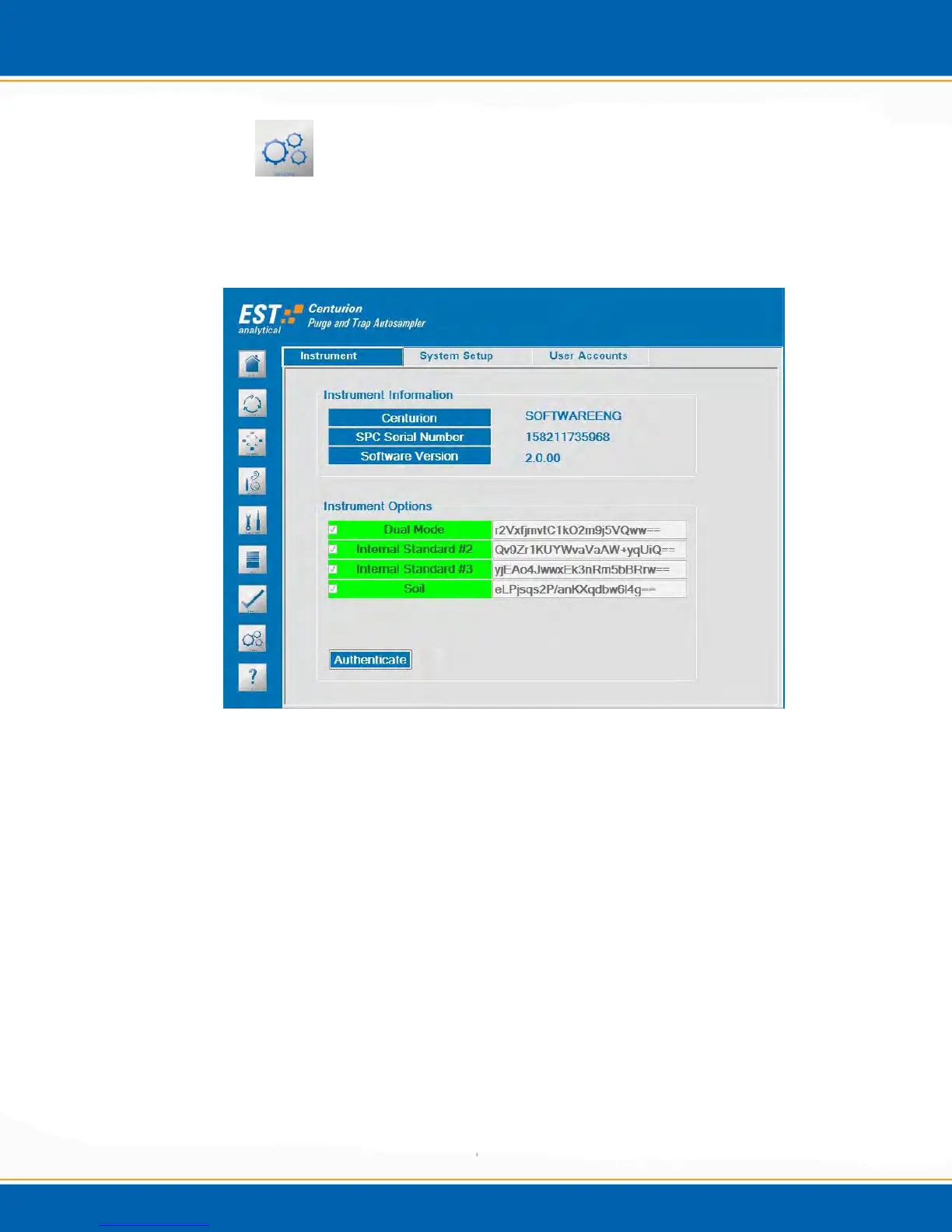
The Options screen enables the instrument options. To open, <click> the Options icon
and the screen will be displayed as shown in Figure 3h. This screen contains three tabs:
Instrument, System Setup and User Accounts.
Figure 3h: Options Screen Instrument Tab
3.8.1 Instrument: <click> the Instrument tab and the screen will appear as shown in Figure
3h. This provides information specific to the Centurion.
Instrument Information – Listed in the instrument information box is the
instrument name, serial number and software version. This information is used
when contacting EST Technical Support and generating key codes for options to
the Centurion.
Instrument Options – Listed in the instrument options box are the manufacturer
supplied key codes to activate hardware options.
3.8.2 System Setup: <click> the System Setup tab, the screen will appear as shown in Figure
3i. From this screen select the instrument configurations.



 To Next Page