Priority: If the sequence is active and a sample(s) needs to be run as a priority,
first establish the start vial and number of vials to be run as priority. Next,
<click> the Priority button, shown in Figure 3o, the priority run(s) will be
inserted into the sequence ahead of the next run in the sequence.
Figure 3o: Priority Tab
Delete: To delete sequence lines, enter the start vial and number of vials and
<click> the Delete button shown in Figure 3p.
Figure 3p: Delete Tab
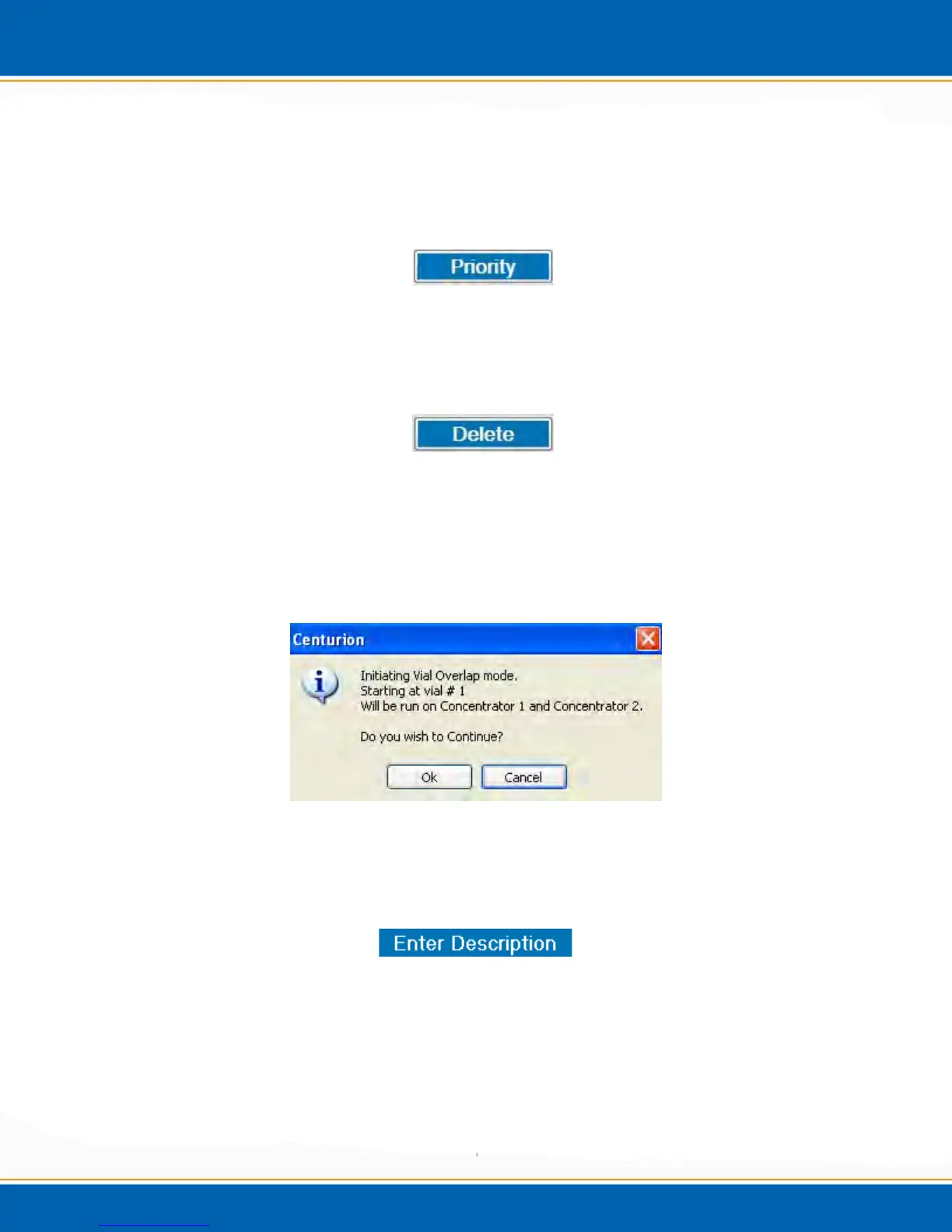
Vial Overlap (Dual Mode only): The Centurion is capable of running the same
sample vial from the same sample tray position on two concentrators. When
populating a sequence on concentrator 2, if the tray positions overlap, a popup
will appear as shown in Figure 3q. Select OK to continue or Cancel to stop.
Figure 3q: Position Overlap Popup
Enter Description: To add a description to the sample in the sequence <click>
the Enter Description button. See Figure 3r.
Figure 3r: Enter Description Tab



 To Next Page