PR: Denotes that a priority sample has been added to a sequence in progress.
3.9.2 Populating the Sequence Table
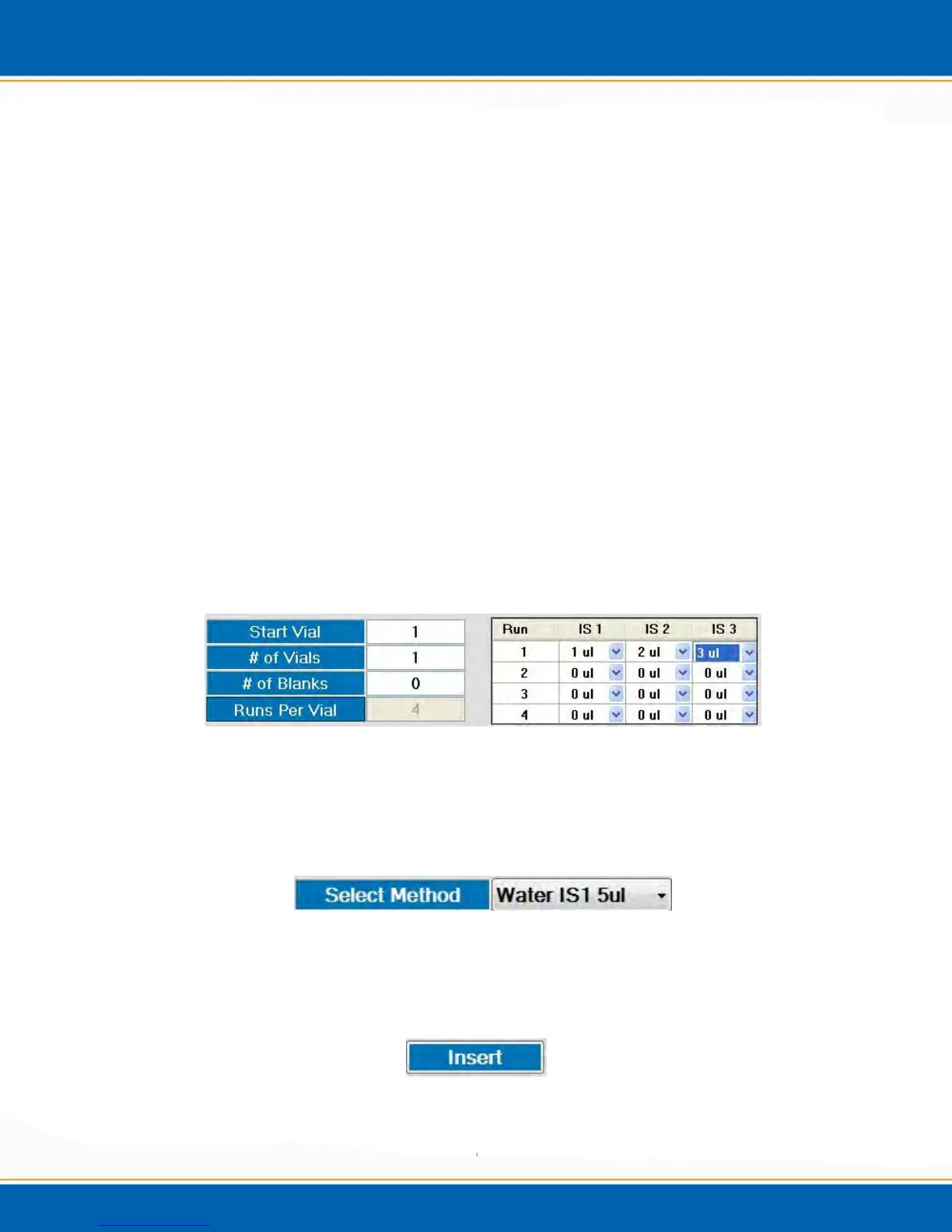
Start Vial: <click> Start Vial to enter the first tray position of a sample
sequence.
# of Vials: Enter the number of vials in the sample sequence.
# of Blanks: Enter the number of Centurion system blanks to be run prior to each
sample.
Runs Per Vial: Enter the number of runs per vial. The water sample needle will
remain in the sample vial for all subsequent runs. To override the internal
standard addition from the method <click> the Runs Per Vial tab and the screen
will appear as shown in Figure 3l. It is then possible to select which internal
standard and the amount of the internal standard that will be added to which run
per vial.
NOTE: If the Runs Per Vial option is selected, then all internal standard
additions must be selected from this location as using this option overwrites
the internal standard addition of the chosen method.
NOTE: This feature is for water analysis only.
Figure 3l: Runs Per Vial Tab
Select Method: To specify the method for the sequence line, <click> the Select
Method drop down to display all available methods. The chosen method will be
displayed as shown in Figure 3m.
Figure 3m: Select Method Tab
Insert: To populate the sequence field <click> the Insert button, shown in
Figure 3n.
Figure 3n: Insert Tab



 To Next Page