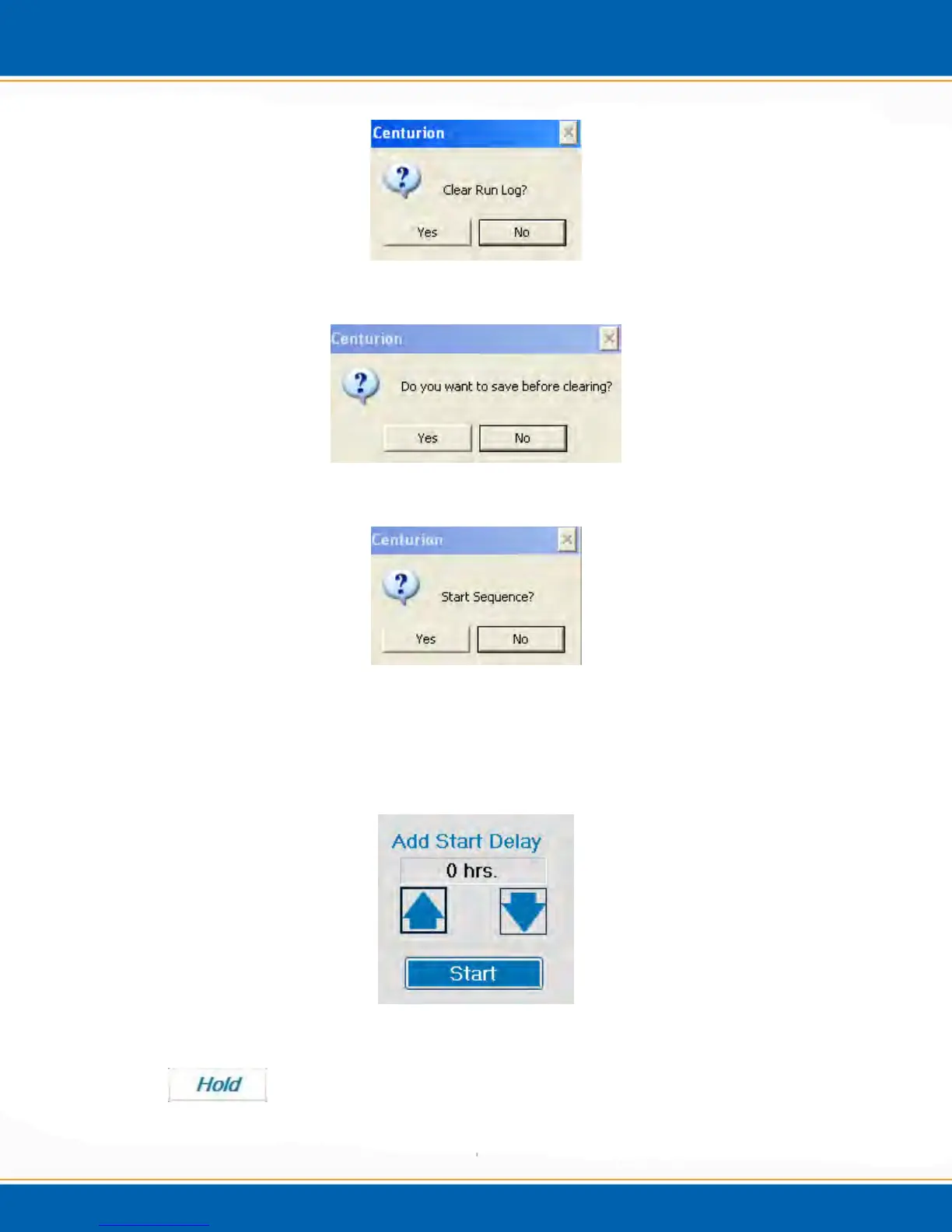
Figure 3bb: Clear Run Log Popup
Figure 3cc: Save Run Log Popup
Figure 3dd: Start Sequence Popup
Once the sequence is started, a Start Delay Screen will popup. See Figure 3ee. Here,
the user is able to either start the sequence immediately by clicking start or add a start
delay in half hour increments, then clicking start.
Figure 3ee: Start Delay Screen



 To Next Page