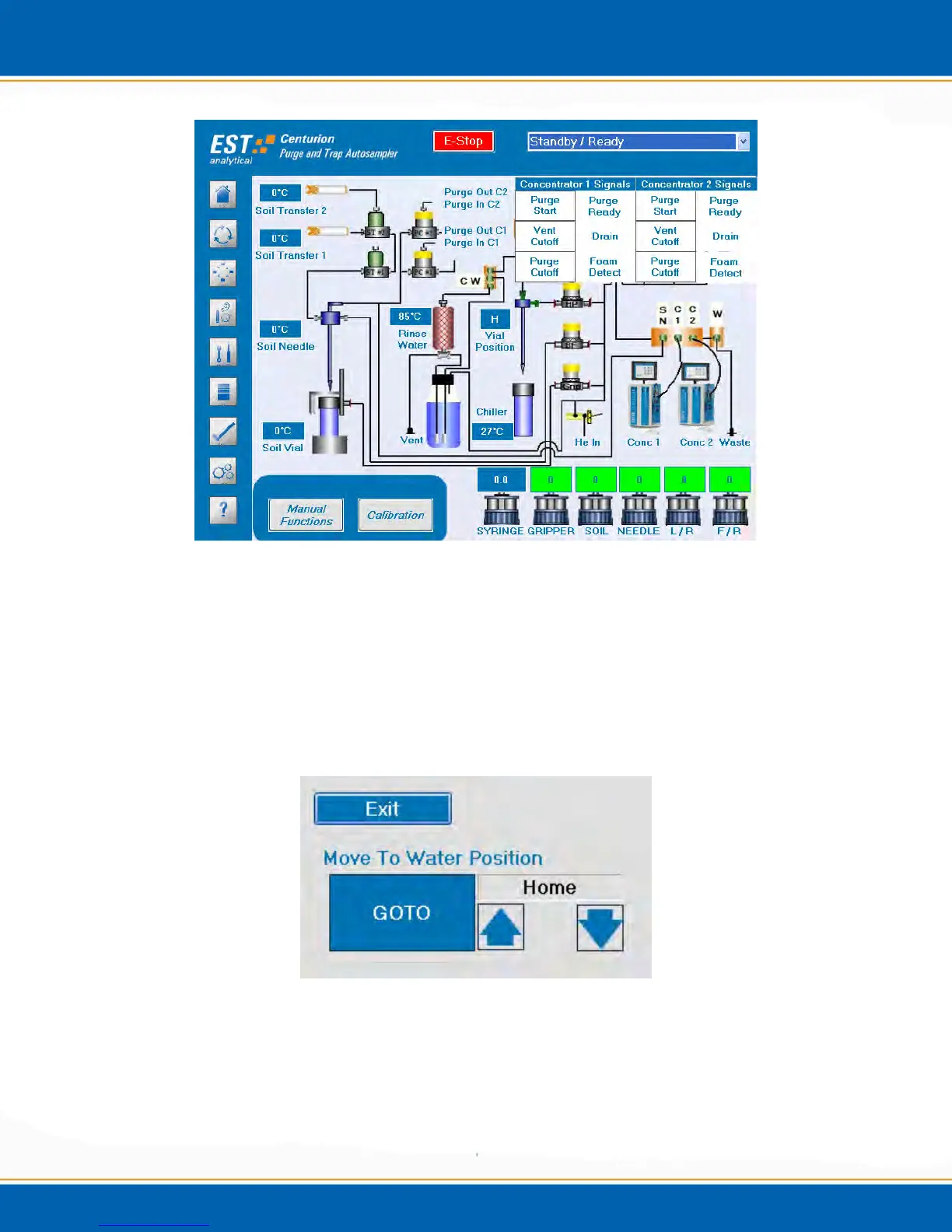
Figure 4d: Concentrator Status Screen
4.4.4 Vial Position
The water needle (vial) position can be moved manually. <click> the control box above
the Vial Position icon and the Move To Water Position control box will appear as
shown in Figure 4e. Use the up and down arrows to adjust to the desired position and
click GOTO, the needle will then move to the selected position. (NOTE: Double click
on the arrow and use the mouse to scroll to the desired position.)
Figure 4e: Move to Water Position Control Box



 To Next Page