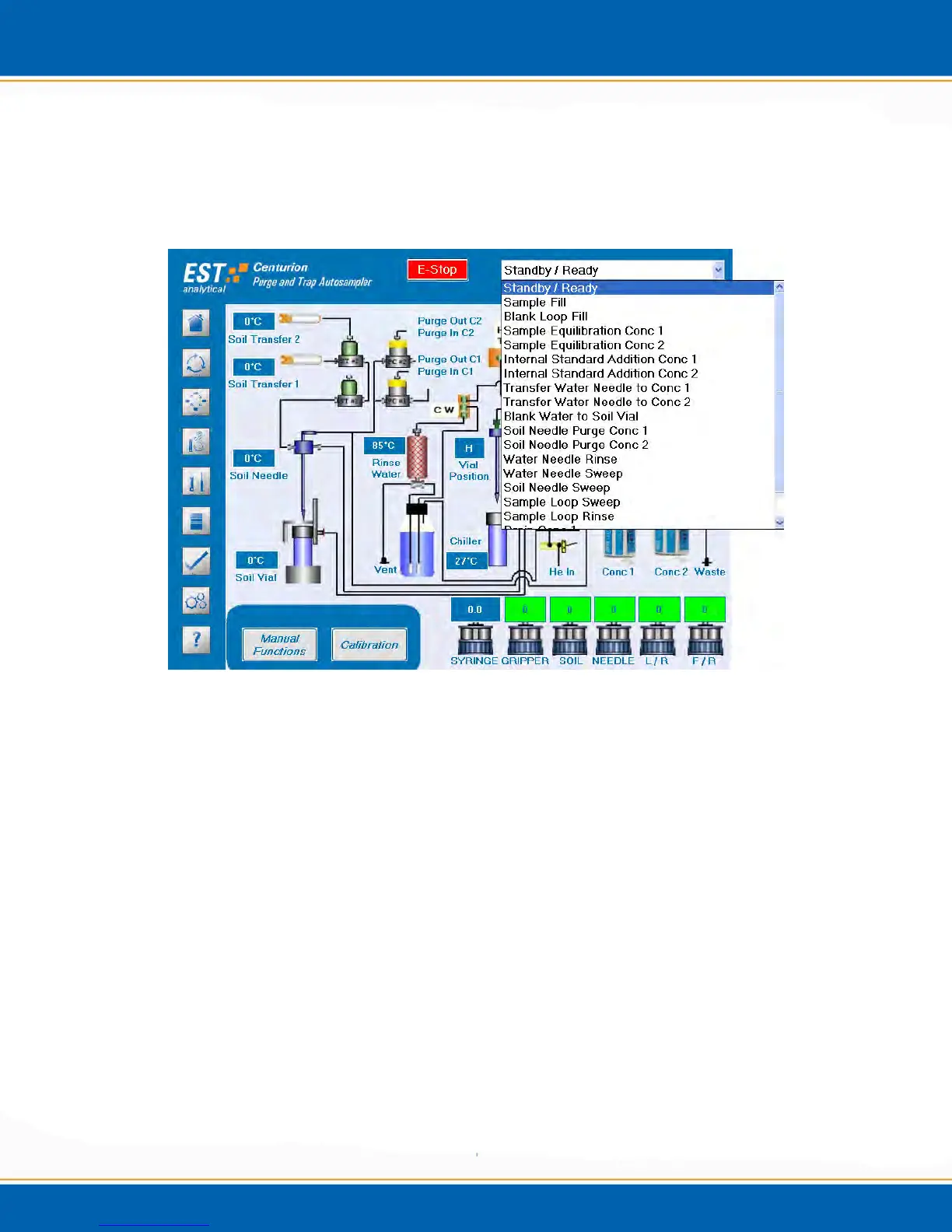
4.4.2 Flow Pathway Dropdown Menu:
Located in the upper right hand corner of the Diagnostics Screen there is a Flow Pathway
Dropdown menu, as shown in Figure 4c. <click> on the selected flow pathway and the
chosen pathway will appear on the screen.
Figure 4c: Flow Pathway Drop Down Menu
4.4.3 Icons
Concentrator Icons - <click> on the Conc. 1 or the Conc. 2 image and a screen will
popup giving the status of the concentrator. See Figure 4d.



 To Next Page