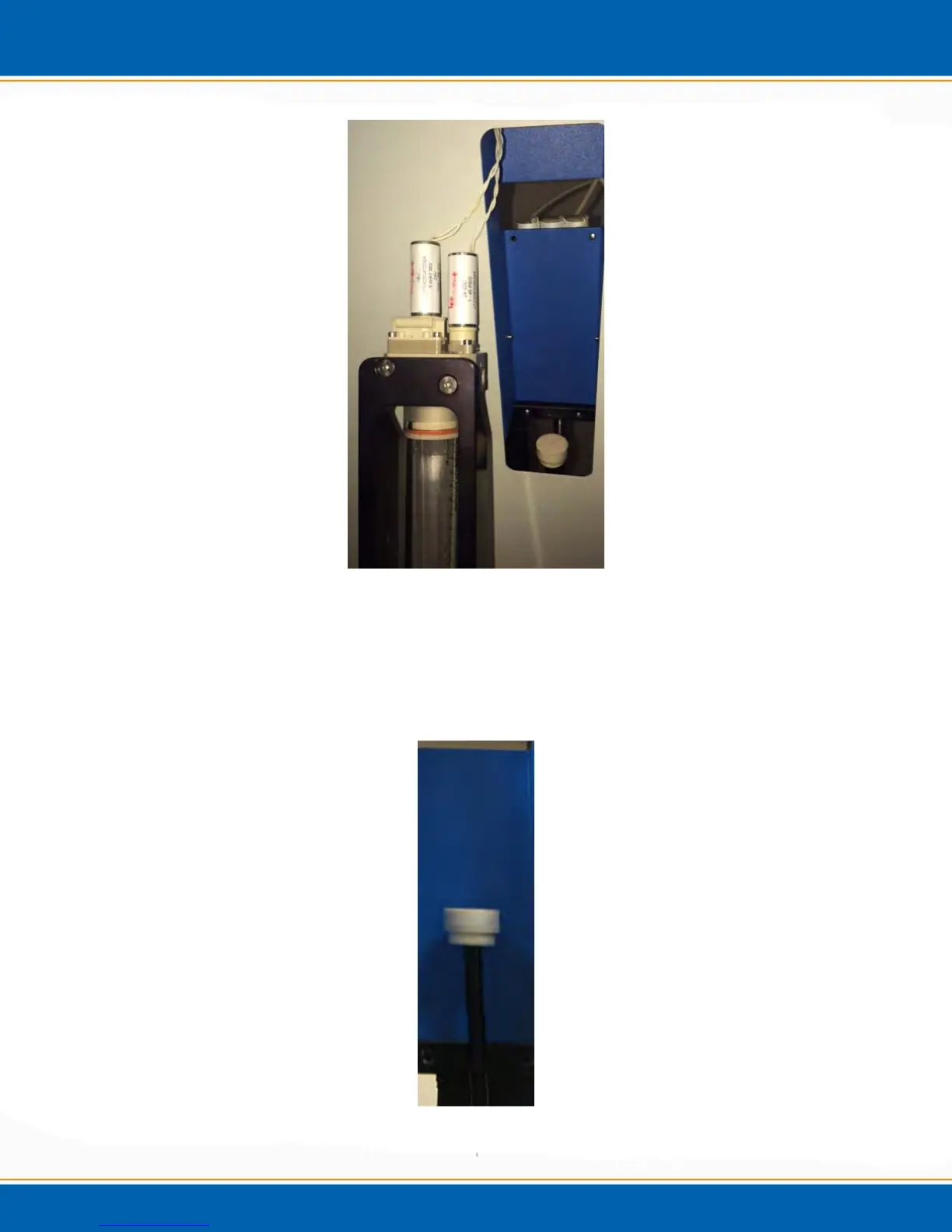
Figure 4x: Image of the removed Assembly
After selecting “OK” when the syringe assembly is removed, the plunger on the
assembly will rise up to approximately the half-way point, see Figure 4y and a screen will
appear as shown in Figure 4z. Unscrew the plunger and replace it with a new one. (Part
Number: M0160M0010). Next, <click> OK.
Figure 4y: Raised Plunger



 To Next Page