3.4 The Main Screen
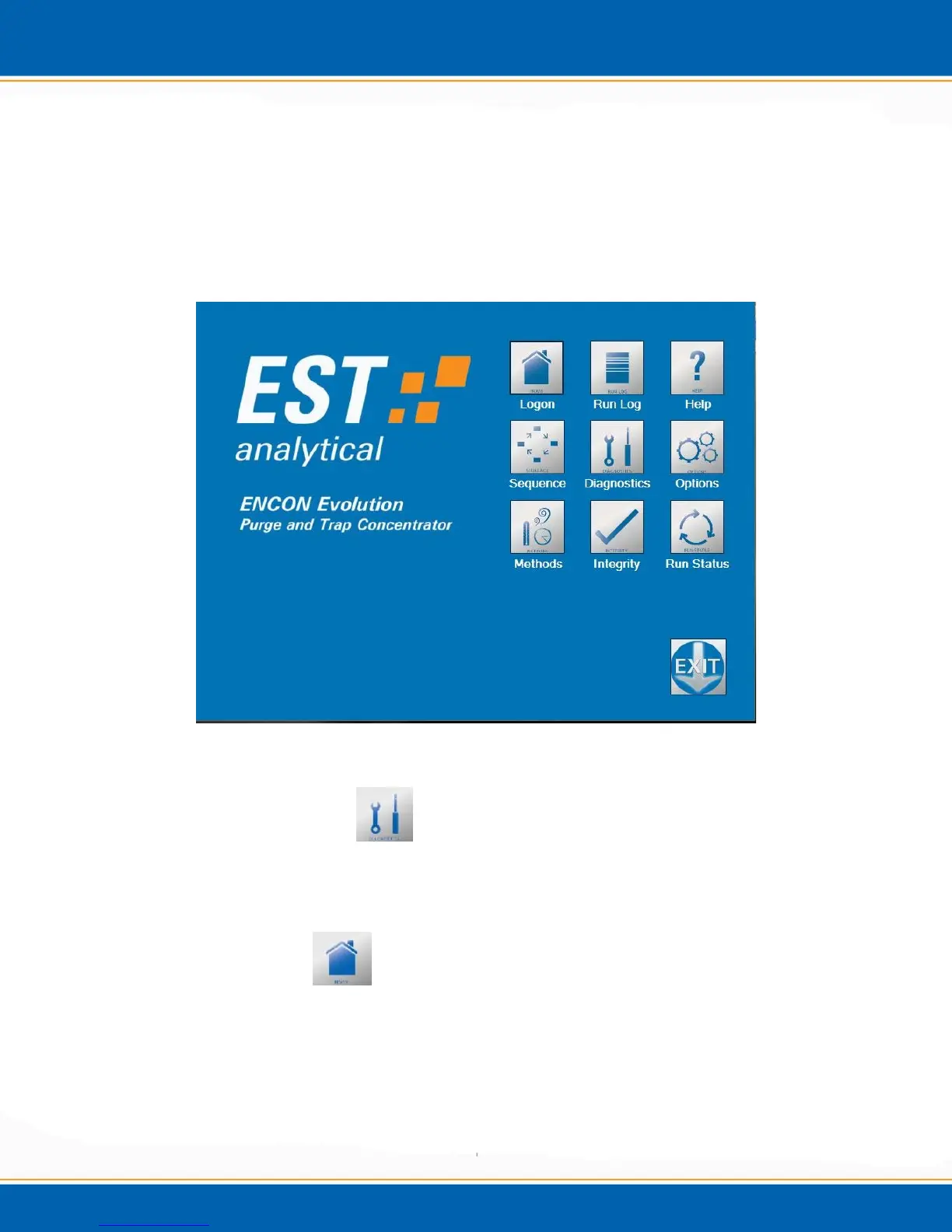
The Encon EV Main screen (shown in Figure 3a) displays a series of icons which allow
the user to navigate through the application, build methods, monitor the status of the
concentrator, trouble shoot and view the status logs. After a screen has been accessed the
icons will be displayed along the left side of the screen to allow the user to simply click
on the icon to load another screen of the program.
Figure 3a: Main screen
3.5 Diagnostics Screen
Refer to Maintenance and Troubleshooting chapter #4 for the Diagnostic Screen
functions.
3.6 Home/Log On
This icon serves a dual purpose. 1) On the Main screen it serves as the user logon icon.
The logon allows for multiple users with various levels of access to the Encon EV
application. 2) To return to the Main screen from any other accessed screen, <click> on
the Home icon and the Main screen will be displayed.



 To Next Page