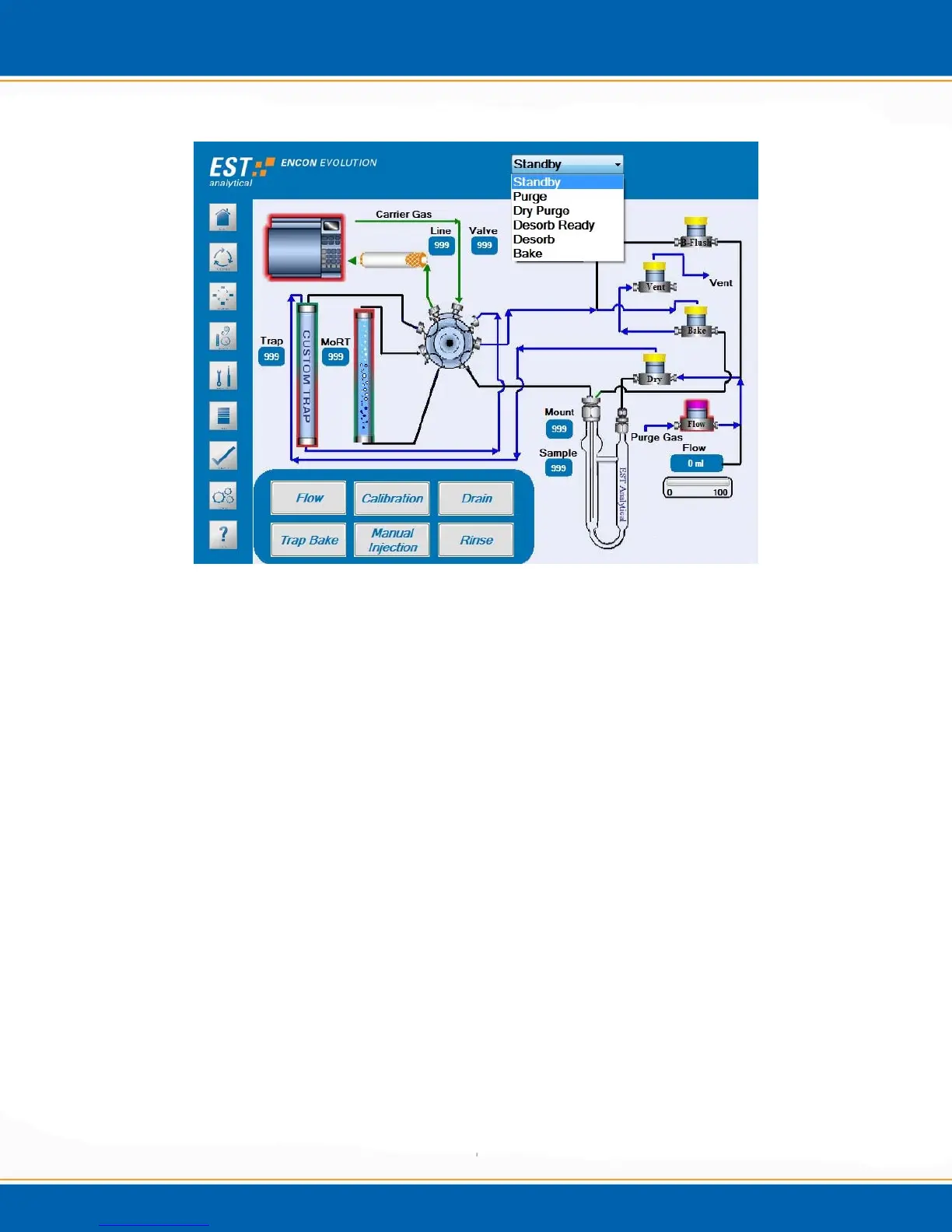
Figure 4e: Diagnostics Screen with Drop Down Menu
4.4.5 Flow
<click> the Flow button. This will open the leak check and pressure check features.
NOTE: It is recommended performing a leak check before proceeding with a flow
check.
NOTE: Flow diagrams of the Leak Check procedure are displayed in Chapter 5,
Figures 5.9 and 5.10.
Leak Check
<click> Leak Check and the process will begin.
1. The concentrator will pressurize to 20psi and then hold for 30 seconds.
2. If the concentrator maintains the pressure (
+
/
-
0.5psi) the leak check passes.
3. If the concentrator fails to reach or maintain the set point the 8 port valve will actuate
and the concentrator will begin a secondary leak check.
4. Upon completion of the secondary leak check a pop up window will direct the user to
the Log screen to determine the results of the leak check.



 To Next Page