4.4.1 Icons
8 Port Valve icon - The 8 port valve can be manually actuated. <click> the 8 Port
Valve icon. When actuated, the flow pathway will change indicating which ports are
connected at that given position. Position A is the sample pathway and Position B is the
desorb pathway.
GC icon - In the upper left corner of the Diagnostics screen is an image of a GC. When
the image is outlined in green the GC is sending out a ready signal. When the image is
outlined in red the GC is sending a not ready signal.
Trap icon - Displays the trap type installed. <click> the Trap icon and the Options
screen will open to the System Setup tab. To return to the Diagnostic screen, <click> the
Diagnostic screen icon.
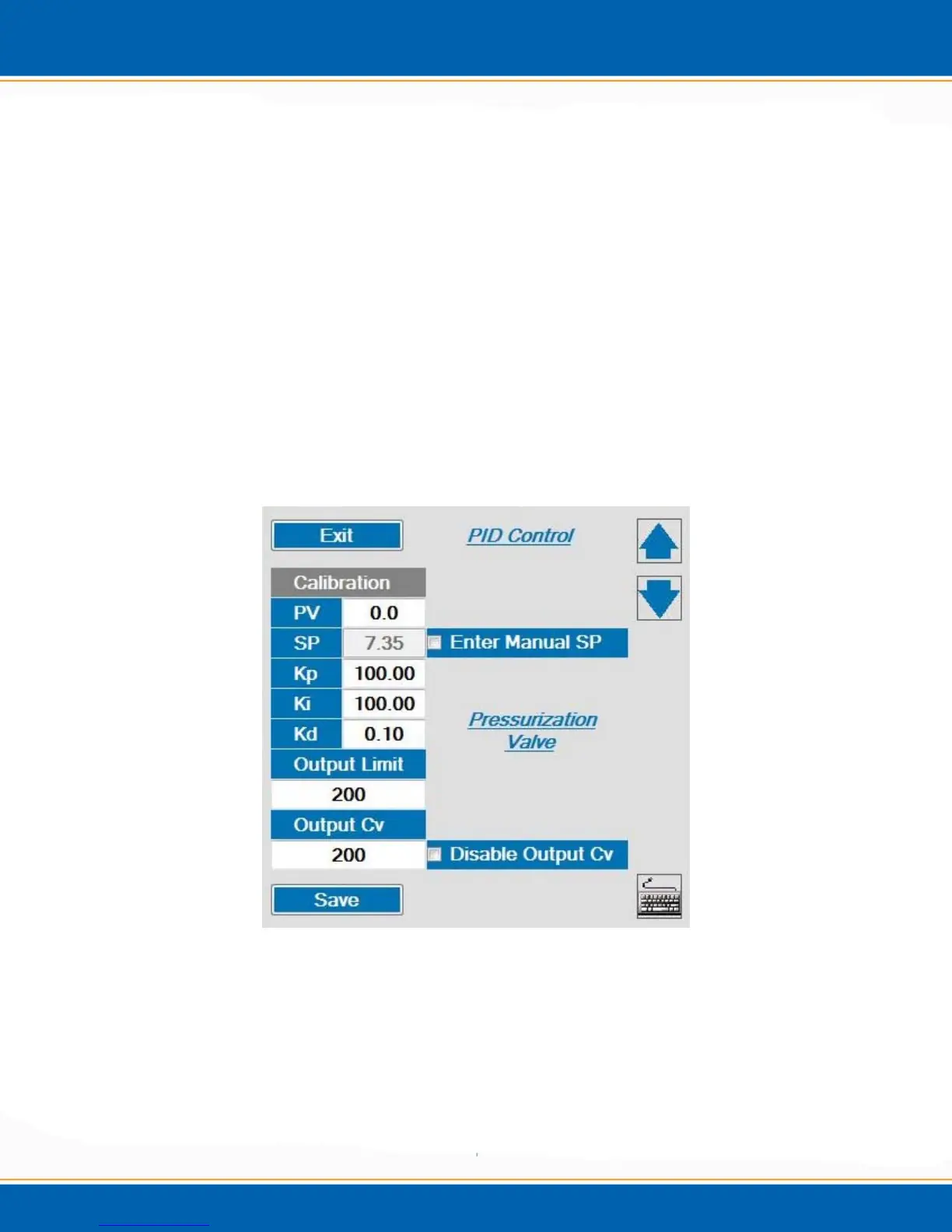
Sparge Vessel icon - <click> the Sparge Vessel icon and the Pressurization Valve PID
calibration screen will open as shown if Figure 4b.
Figure 4b: Pressurization Valve PID Calibration Screen
Pressure Transducer – The current Encon EV system pressure is displayed in this box.
Current flow – The current Encon EV flow is displayed in this box.



 To Next Page