4.4.2 Manual Heater Control
The heated zones, which consist of the Trap, MoRT, Sample (option), Mount (option),
Transfer Line and Valve Oven may be manually heated to a specific set point
temperature. <click> the temperature display box located next to the respective icon for
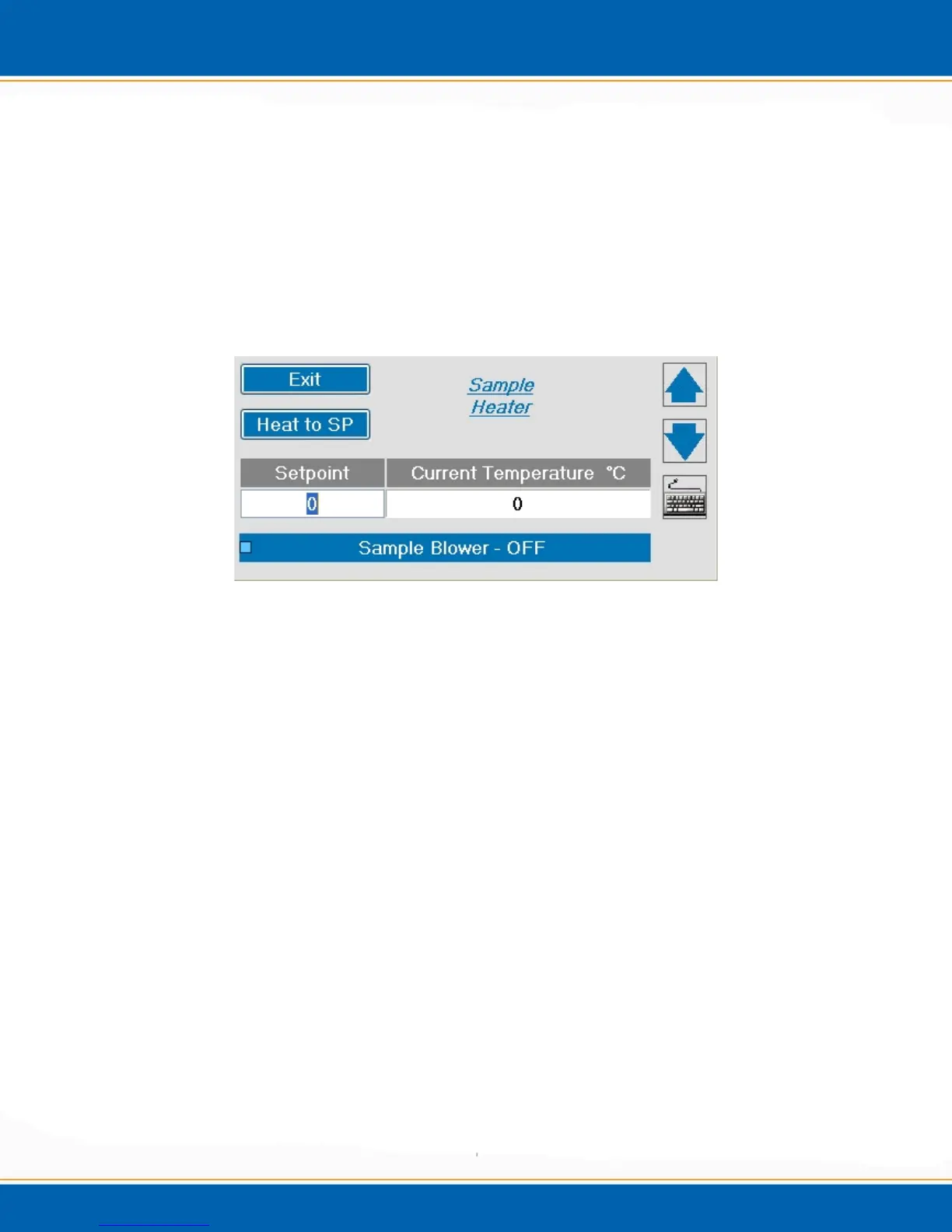
any given heated zone and the manual temperature control will appear as shown in Figure
4c.
NOTE: The system continuously monitors for over temperature conditions and will
provide a pop-up screen to alert of any over temperature problems.
Figure 4c: Setpoint Temperature screen (Sample Heater)
Current Temperature (°C) – Displays the current temperature.
Setpoint (°C) – Enter the desired set point (SP) temperature.
Heat to SP - <click> the Heat to SP button. The selected zone will heat to the entered
set point. The temperature will be maintained as selected until it is manually changed
again or a method is loaded.
CAUTION: Heating the trap or MoRT tube without flow may damage the trap
sorbent materials or the MoRT tube Silco treated surface.
ATTENTION: Le chauffage du piège ou MoRT tube sans écoulement peut
endommager les matériaux absorbants piège ou le tube MoRT Silco surface traitée.
CAUTION: Manual heating will not recognize maximum temperature set points
(see Operations chapter, Options screen, System Settings tab.)
ATTENTION: chauffage manuel ne reconnaît pas les points de consigne de
température maximale (voir chapitre des opérations, l'écran Options, onglet
Paramètres système.)



 To Next Page