3.14 Integrity
This icon is reserved for a feature that may be issued in a future release.
3.15 Help Screen
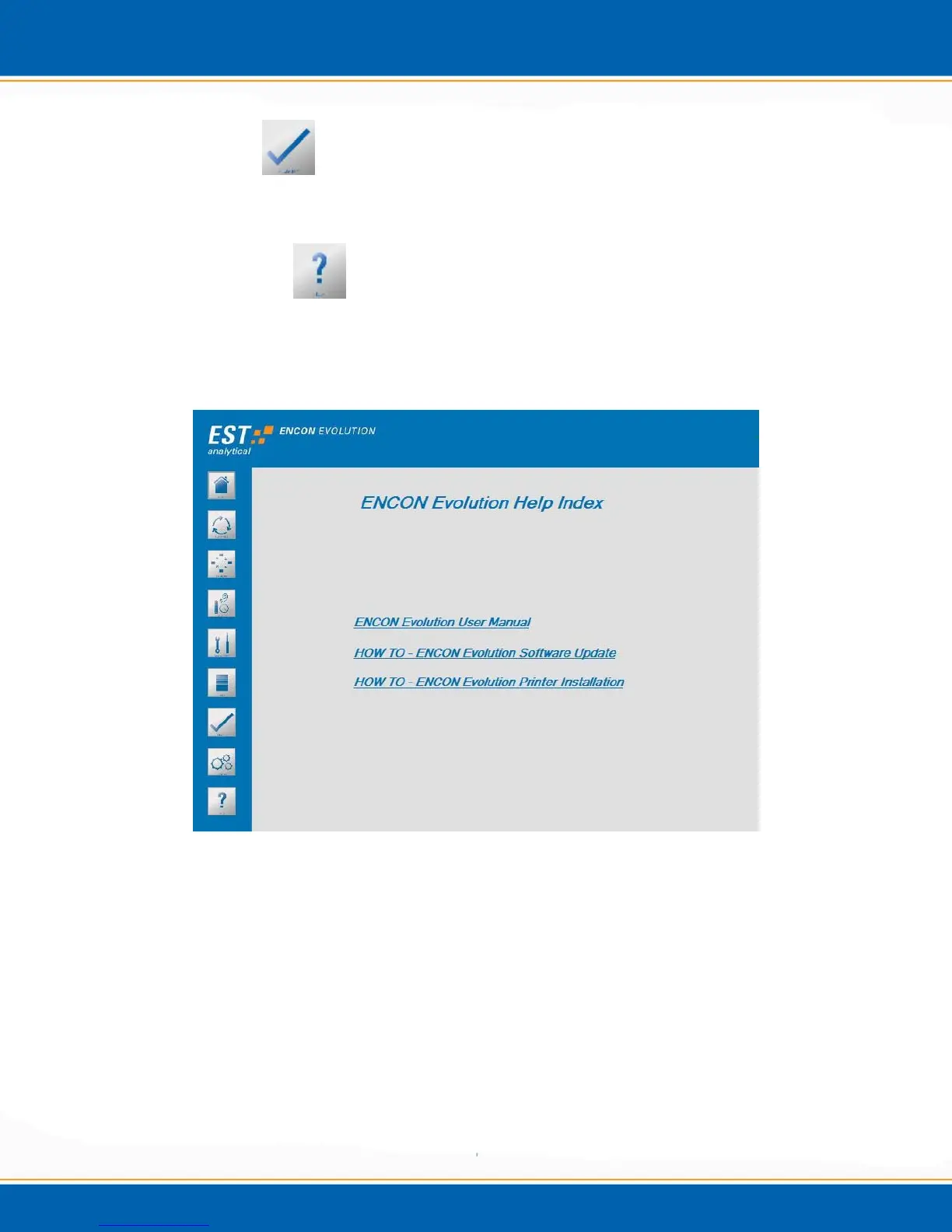
By placing the cursor and clicking on the Help icon the Help screen will appear as shown
in Figure 3q. The Help screen provides the ability to view help files that are stored
locally on the Encon EV software.
Figure 3q: Help Screen
Encon Evolution User Manual – By placing the cursor and clicking on ENCON EV
User Manual the user can view a PDF version of the operation manual.
Encon Evolution Software Update – By placing the cursor and clicking on HOW TO –
Encon Evolution Updates the user can view the instructions to update the Encon
Evolution software.
Encon Evolution Printer Installation – By placing the cursor and clicking on HOW TO
– Encon EV Printer Installation the user can view the printer installation instructions.



 To Next Page