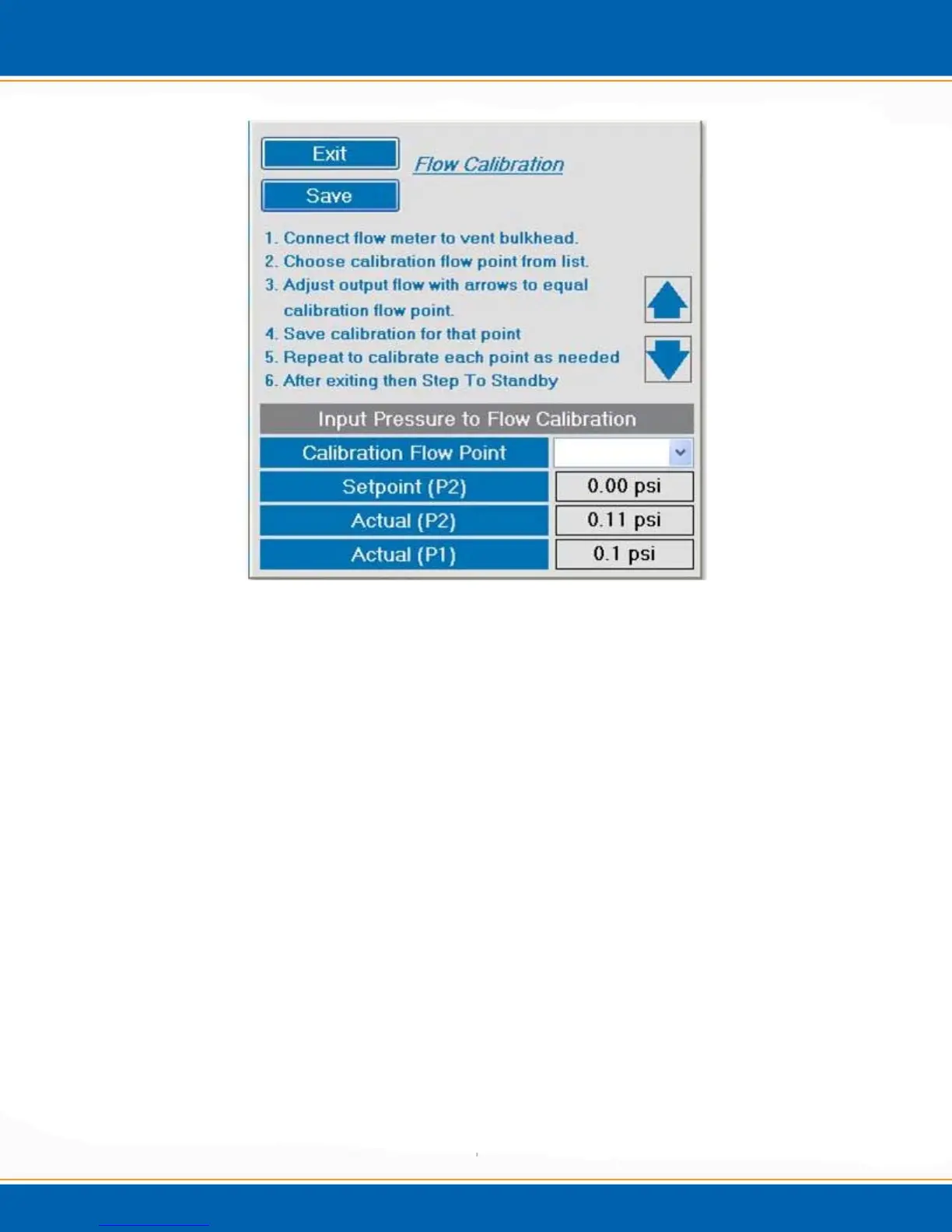
Figure 4f: Flow Calibration Screen
4.4.6 Flow Calibration
Before performing a flow calibration, the Evolution must pass leak check. After
verifying that the Evolution is leak free, a flow calibration can be done. <click>
Calibration Flow Calibration Instrument Flow. After accessing flow calibration,
see Figure 4f, follow the instructions given. Connect a flow meter to the vent bulkhead.
Choose the calibration flow to be calibrated. Adjust the up/down output arrows so that
the actual flow from the vent bulkhead is the same as the calibration flow point. Save the
calibration. Repeat this process for every calibration flow point to be adjusted. Exit
Flow Calibration and Step to Standby.
4.4.7 Trap bake
This function enables a manual bake of the trap and/or MoRT tube. The sparge vessel
heater (option) will not heat during this process. <click> on Trap Bake. The Manual
Trap Bake screen will appear as shown in Figure 4g.



 To Next Page