32 www.eta.co.at
Getting to know the control system ETAtouch controller
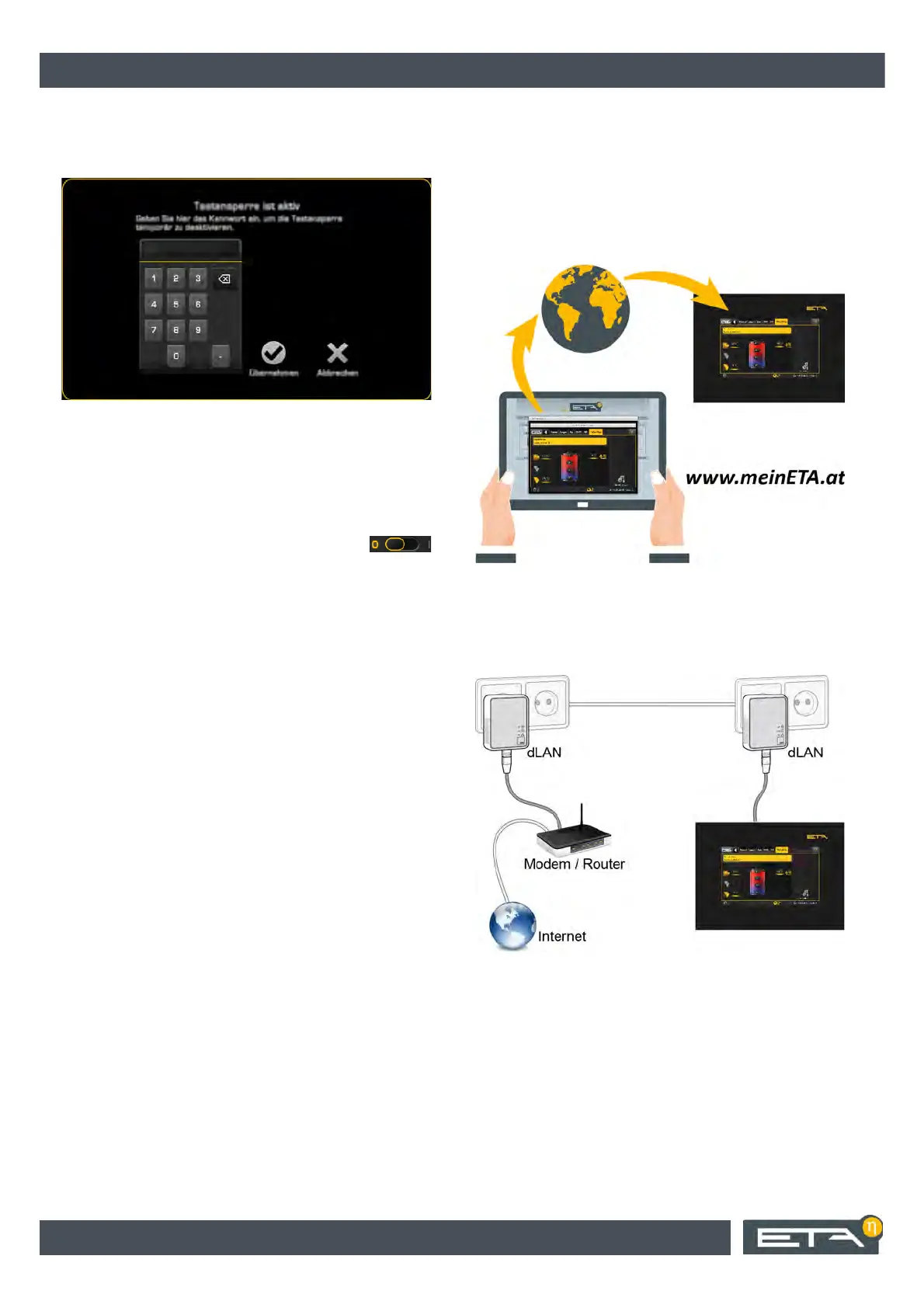
If the key lock is active, a message appears prompting
you to enter the unlock code when you press a button
or before you can change a parameter.
Fig. 7-32: Message
The only way to temporarily unlock the keypad is to
enter the unlock code. However, this will automatically
enable itself again after some time, for example as
soon as the screen saver starts.
To deactivate the key lock, switch to the [Key lock]
menu and turn off the key lock with the
switch.
7.1.7 meinETA remote control
Remote control of the boiler via the internet
All boilers with the ETAtouch control system can be
controlled remotely via smartphone, tablet or PC. The
boiler's touch screen is connected to the Internet via a
network cable.
A LAN socket near the boiler is required for the internet
connection. If none are available, an internet
connection can be established using a dLAN adapter
via the in-house power grid. This dLAN adapter is also
available from ETA.
Fig. 7-33: dLAN network
Worldwide access via www.meinETA.at
Remote control via the free internet platform
www.meinETA.at.
After registering on this platform, the boiler can be
controlled remotely. It can be accessed by
smartphone, tablet or PC and is, of course, protected
by username and password. You can also access the
boiler's control system via your home network with a
free VNC Viewer. To see how remote operation of your
boiler works, please visit www.meinETA.at.


 To Next Page