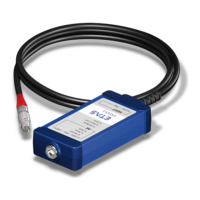
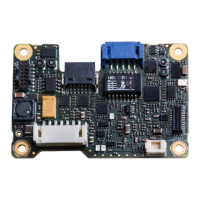
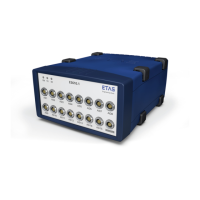
ETAS 5 Instruments
To show cursors
In synchronized mode, cursors are shown as these are given by the master
instrument. Cursors can be moved directly in the GPS Map instrument or follow
the cursor's movement in the master instrument.
To remove a signal
1. Open the Configuration Manager and remove the respective signal
from the GPS Map view.
or
1. In the GPS Map instrument, right-click the signal and select
Remove Track(s).
or
1. In the GPS Map instrument, click the signal and press the Del key.
5.8 Video
In the Video instrument, you can display the video file recorded with the INCA
video add-on and especially for analysis in relation to other measurements. To
use the Video instrument, you need a valid license provided with the INCA Video-
Integration add-on.
The video signal VIDEO_TIMECODE contains only a series of timestamps. The
device name of the video signal is used as link to the actual video file on the hard
disk named <measurefile>_<device_name>.mp4.
Note
The video file names must not be renamed as they are referenced by the cor-
responding MDF file (*.mf4).
The timestamps in the VIDEO_TIMECODE are used for synchronization.
You can perform the following actions in this window:
l "To define the Video properties" below
l "To display a video signal" on the next page
l "To scroll and synchronize" on the next page
To define the Video properties
The complete set of configuration possibilities for the Video instrument is avail-
able in the Properties docking window. There the tooltips provide a detailed
description of the properties and their possible options.
MDA V8.5 - User Guide 110


 To Next Page