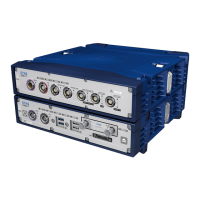
ETAS 5 Instruments
To remove an instrument
1. Do one of the following:
On the title bar of the instrument window, click the Remove
icon. This icon is also available in the preview of the instrument.
For more information, see "To display the preview via the layer
taskbar" on page120.
In the Configuration Manager, right-click the instrument and
select Remove.
To change instrument properties
Instrument properties are stored in your user settings. For more information, see
"User Settings" on page15.
To define the instrument properties, click or use the context menu Prop-
erties.
For each instrument property, the tooltip provides a detailed description of the
properties and their possible options.
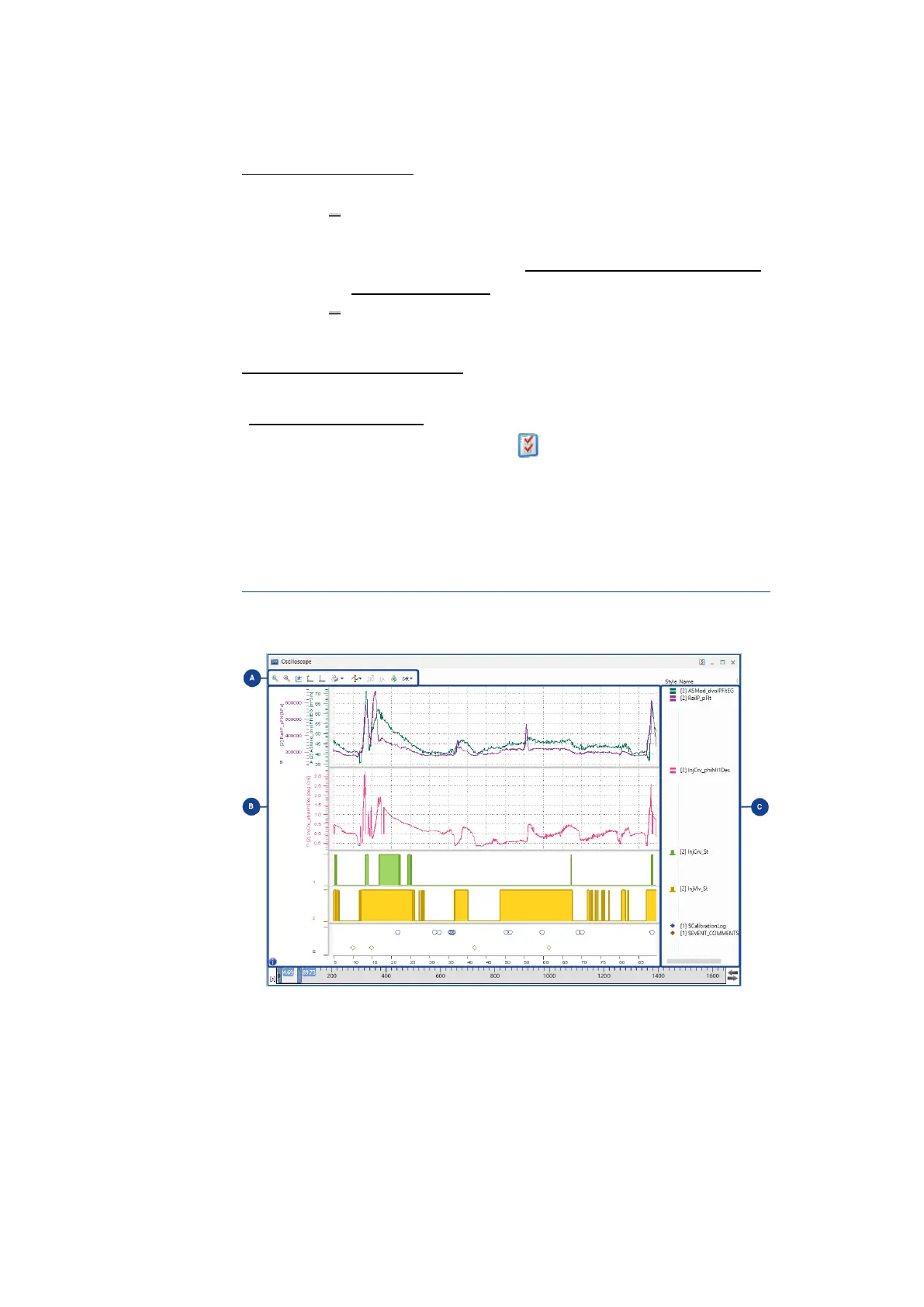
5.2 Oscilloscope
The oscilloscope can graphically display the course of signals over time.
The oscilloscope is divided into the following areas:
MDA V8.5 - User Guide 77



 To Next Page