Submasters 407
Channel and Parameter Filters
Channel and Parameter Filters can be used to allow only specified data to be played back.
These are playback filters, and do not impact how data is recorded.
For submasters, channel and parameter filters can be set in the following areas:
Submaster List
In Live using the {Properties} softkey
Tap or click on {Chan Filter} to assign channels or groups. Tap or click on {Param Filter} to
open a list of available parameters that you can filter.
Note:
Filters will travel with their assigned submasters wherever they are mapped.
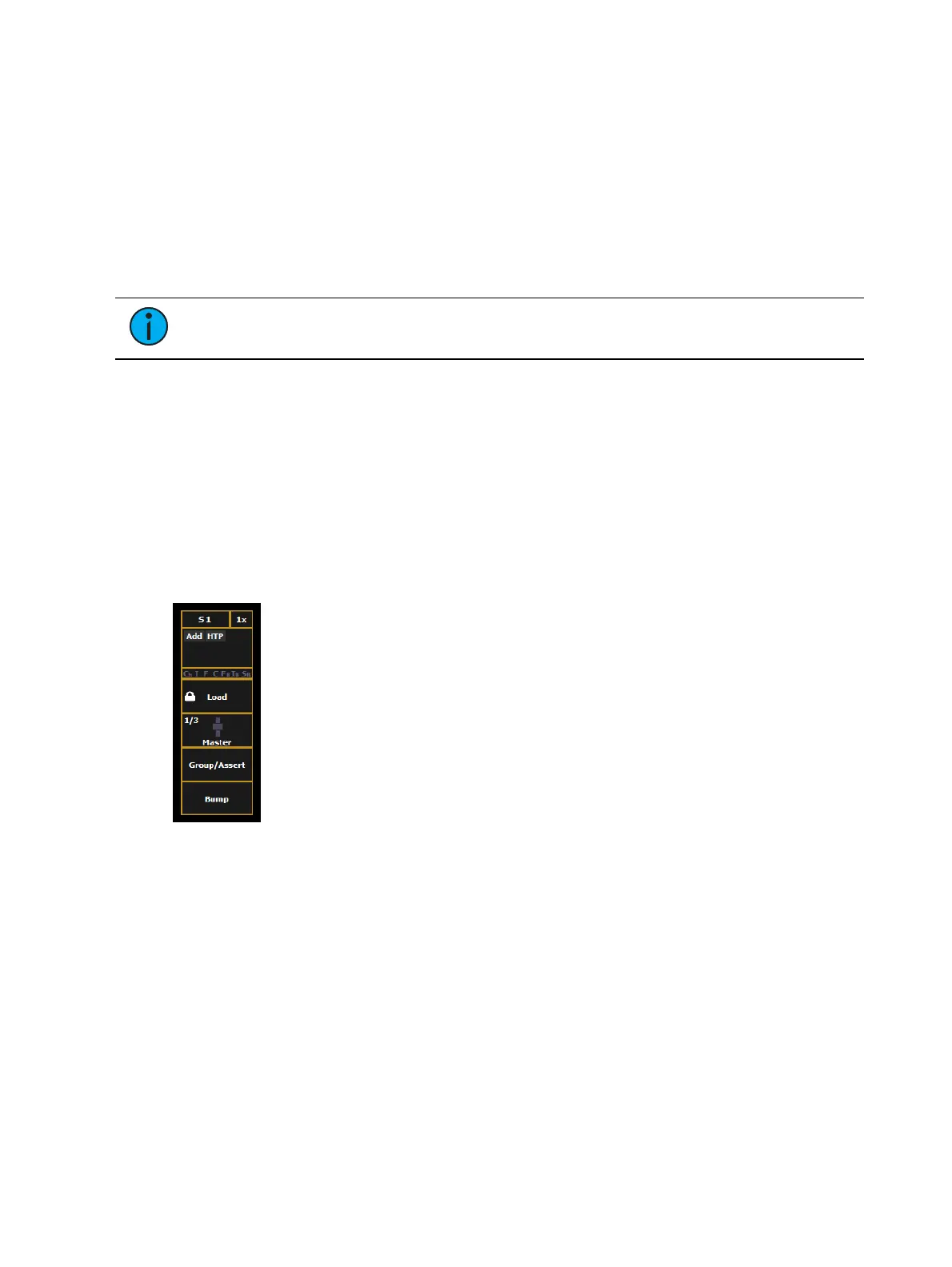
When a filter has been applied, an indicator will display in the fader ribbon. C will display for
channel filter, and F is for parameter filter.
Press the red [X] to clear the channel or parameter filters listed.
FX Off 0
Starts the effect when master fader is moved from 0, stops the effect when it is moved to 0.
This is enabled by default.
Submaster Fader and Button Configuration
Click or tap on the virtual buttons or fader to see a list of available configuration options.
Button Options
The following options are available for submaster buttons:
Bump - plays back the submaster at 100% of the recorded level. It will continue to do so
until released, unless the submaster has a time assigned or the {Hold} property set.
Group/ Assert - selects all the channels associated with the submaster, if the submaster
is inactive. If the submaster is active, the contents of the submaster will be asserted.
Assert - regains control of all of the channels associated with the submaster.
Group Select - selects the channels stored in the submaster. This is the same as [Group]
[Sub] [n].
Freeze - halts all effect activity on the fader.
Off - removes the content and if the fader is set to Master, the fader will remain where it
currently is.
Release - removes the content and if the fader is set to Master, the fader will reset to 0.



 To Next Page