60 Ion Classic User Manual
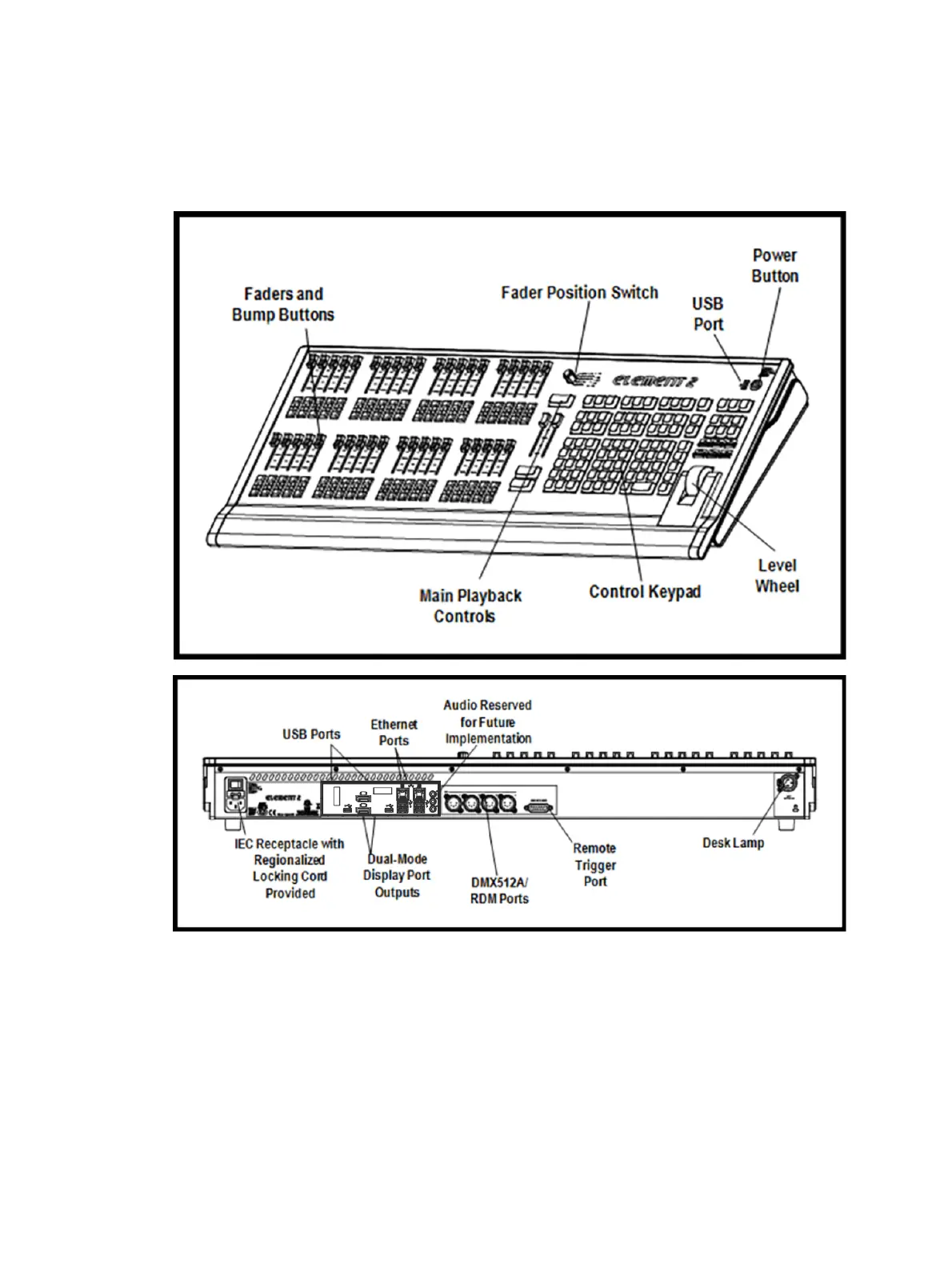
Element 2 Overview
This page provides an overview of the physical layout, components, and capacities of the
Element 2 console.
Element 2 Layout
Element 2 Components
Power Button
The power button on the front of the console is used to power up or power down. A separate
hard power switch, located on the rear panel, can be used to disconnect power from the
console’s internal components.



 To Next Page