System Basics 85
Example:
With a channel on the command line, pressing [More SK] & [Intensity] will
post Make Manual on the command line.
Changing Softkey Pages
When there are more relative softkeys than the six available buttons, both gray and white
softkey labels will be visible. The white labels on the bottom row of the label window indicate
the active softkeys. The gray labels in the top row indicate the second page of softkeys.
To access the second page of softkeys, press [More SK]. To access the previous softkeys, press
[More SK] again.
Displays
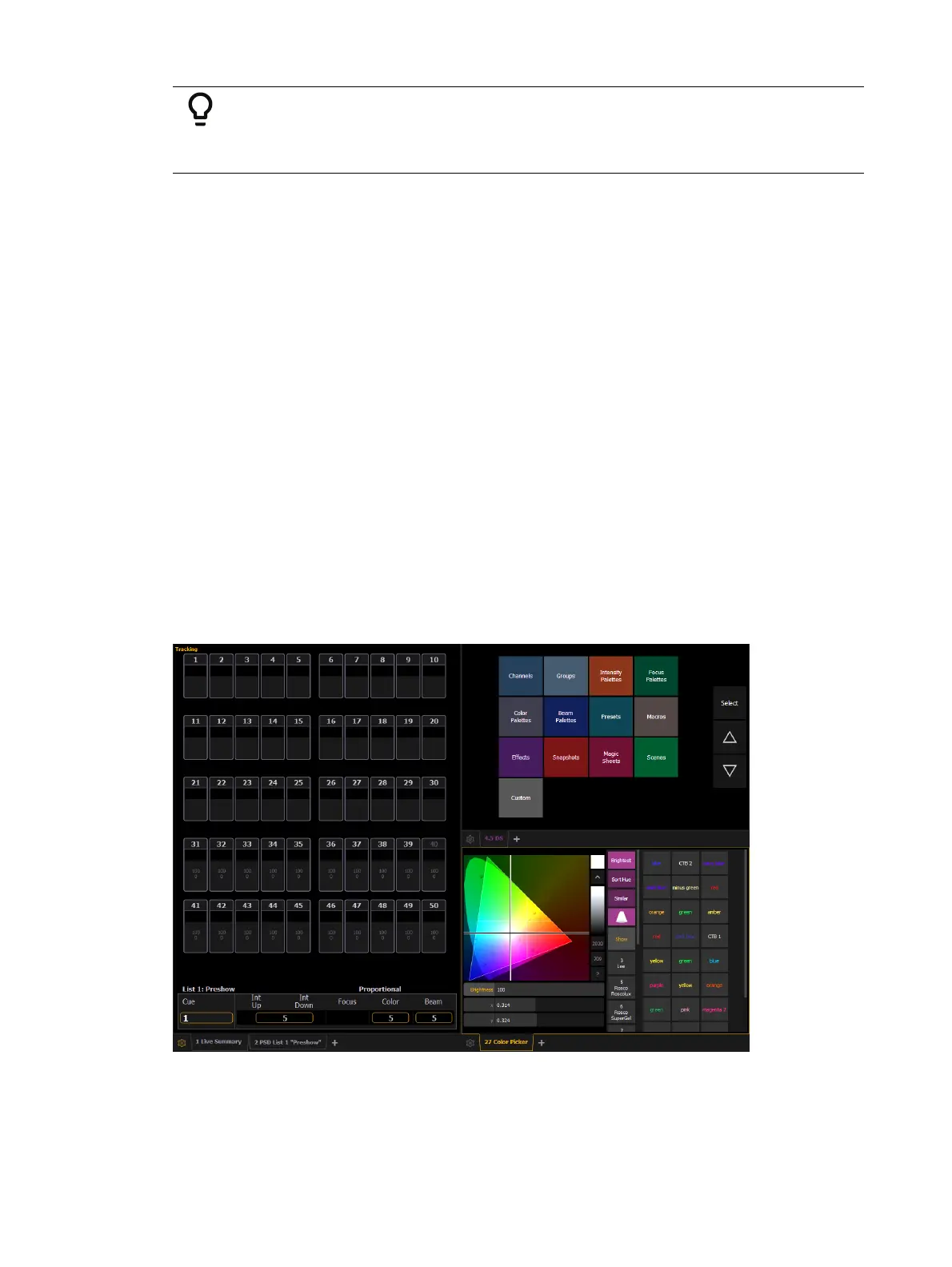
There are several terms that are useful to know when discussing the displays on your console:
Monitor - any physical display or touchscreen device connected to your console. The
monitor number will display in the upper left corner of the screen.
Workspace - offers independent display control on all of your connected monitors. Every
monitor can have up to three workspaces.
Frame - a subdivision of a workspace
Tab - offers the ability to view multiple displays in one frame.
Displays - are the individual views or tools available for use in programming your
console. They are viewed in tabs.
Eos has the ability to have one of three different workspaces active on individual monitors, as
well as to have up to four frames in use in any workspace. Each frame can hold multiple tabs.
Each tab contains one display.



 To Next Page