552 Ion Classic User Manual
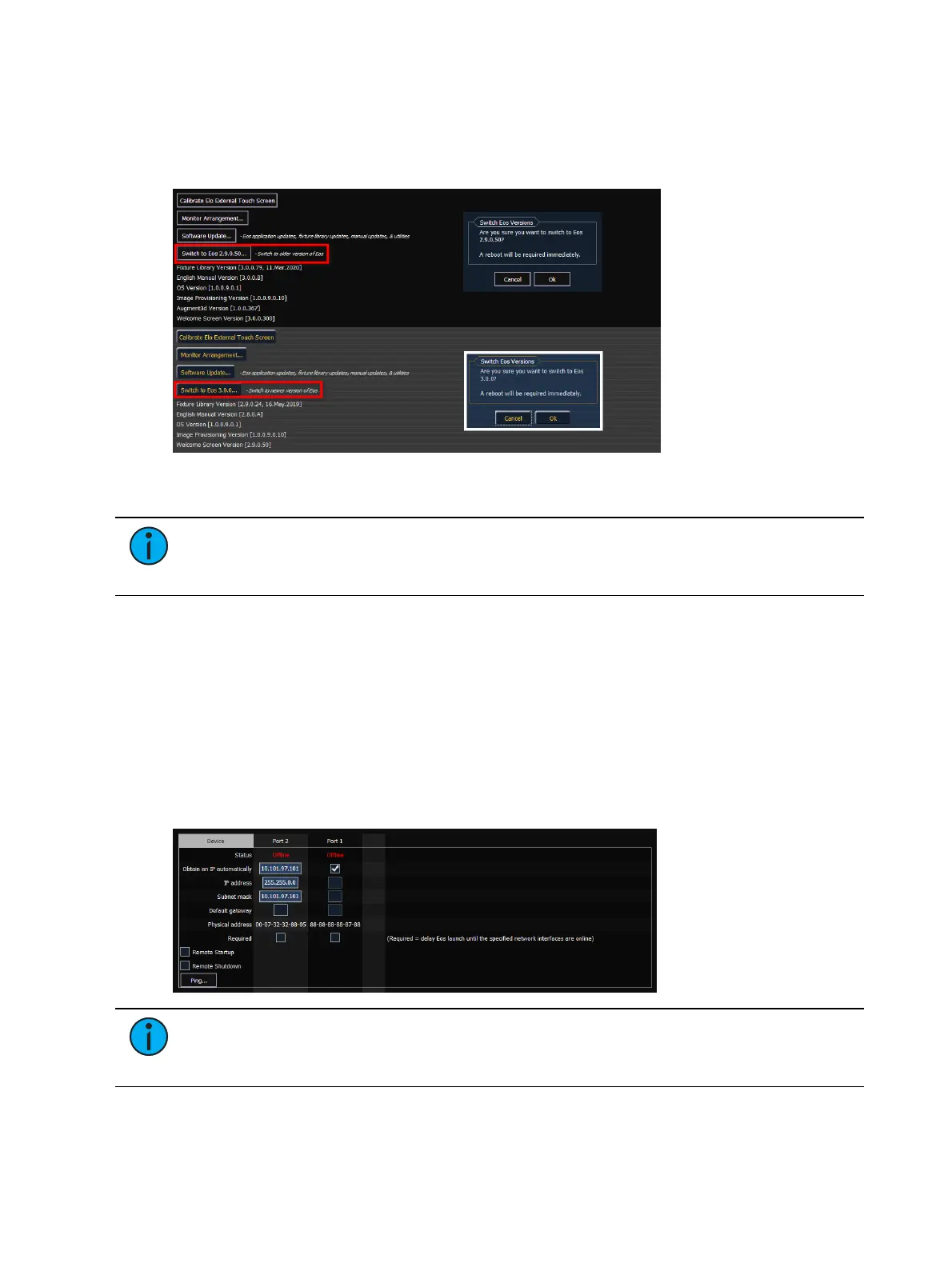
{Switch to Eos 2.9.x}
Eos v3.0.0 introduced the ability to switch between v2.9.x and v3.0.0 and later on consoles
capable of running both. If v2.9.xis already installed, installing v3.0.0or later automatically
retains the 2.9.x version of software.
Use the softkey to alternate between versions. A restart will be required before any changes
can take effect. This option is not available on Windows 10-embedded consoles.
Note:
If a console is updated to v3.0.0or later from a version prior to v2.9.X, you
will be able to revert from v3.0.0 or later to the prior version. However, you will be
unable to return to v3.0.0 or later without first updating to v2.9.X.
Settings >Network
The Network page of the ECUSettings is divided a number of sections for the various
categories of network configuration settings.
Device
These are the settings that determine the method to get an IP address and / or the actual IP
address information that Eos uses for network communication.
On ETCnomad, these settings pull from the Windows or macOSoperating system, and cannot
be edited here.
Note:
The number of ports varies depending on how many Network Interface
Controllers (NICs) your console has. For more information, refer to the Console
Overview (on page11) chapter.



 To Next Page