Eos Configuration Utility 553
Status
This reports if the port is “Online” (configured, connected to a network and operational). It
reports as “Offline” if any one of the above conditions is not true.
Obtain an IP Automatically
Note:
ETC recommends the use of a static IP address for compatibility with other
ETC devices, though the needs of your particular installation may vary.
Clicking in the enable box will set the console to get its IP address dynamically from a DHCP
server. While the console is starting, it will ask for an IP address from a DHCP server. If one
responds, it will use the assigned IP address.
If no DHCP server is available, the console will default to a self-generated link-local IP address
in the range of 169.254.x.y. The IP address used by the console in this configuration may
change dynamically as needed. A change should typically only occur when there are changes
to the network configuration or to resolve an IP address conflict.
Enabling or disabling this setting will require you to reboot the console for the new setting to
take affect.
Note:
You cannot set the console to receive an IP address via DHCP and act as a
DHCP server at the same time. It can either send dynamic addresses or receive them,
but not both at the same time.
IP Address
If "Obtain an IPAutomatically"is disabled, you set the IP address here. This is a static IP
address and will remain set until changed by a user.
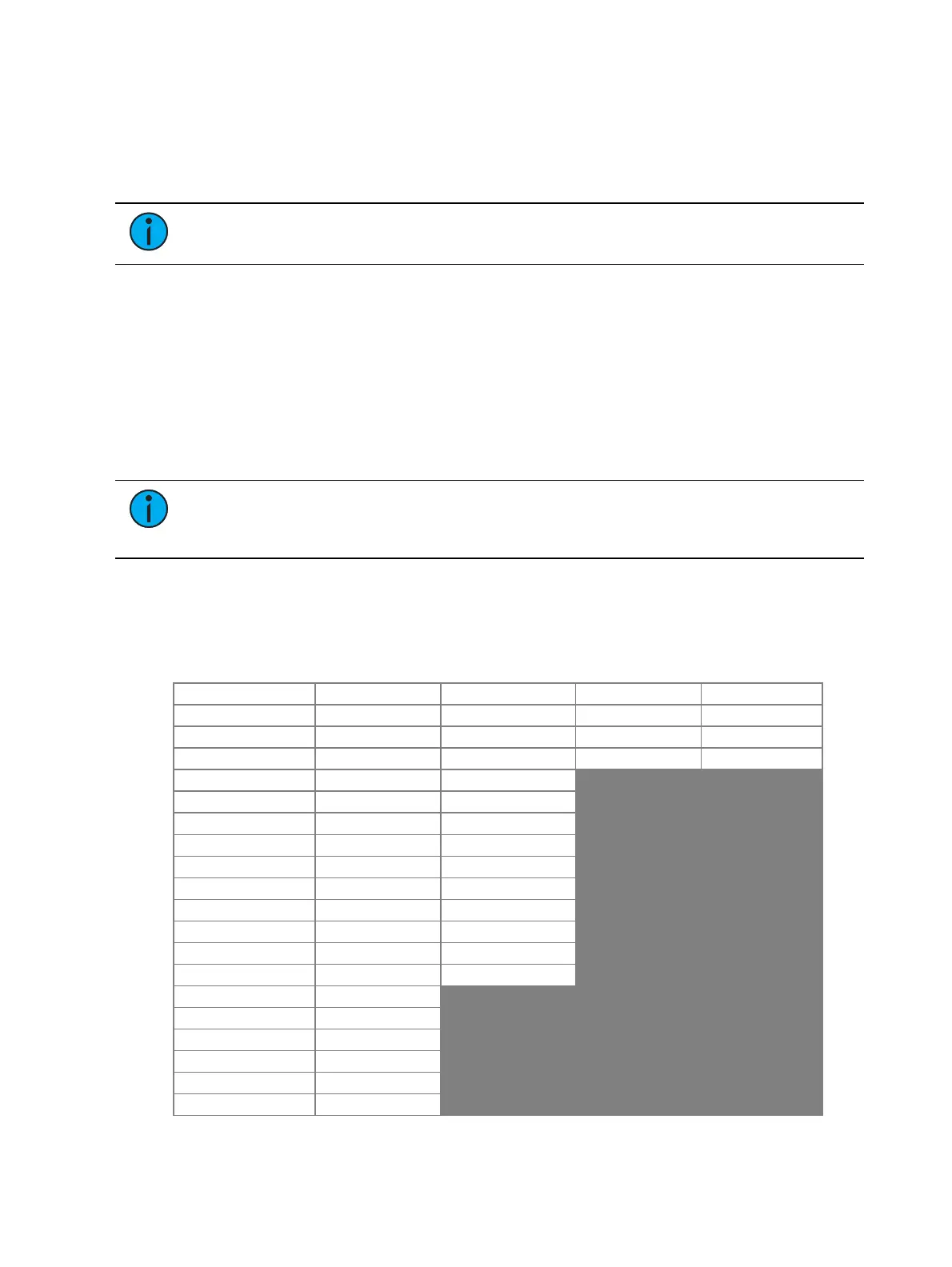
The following is a list of the default IPaddresses:
Console Port 1 Port 2 Port 3 Port 4
Apex 20 10.101.190.101 192.168.190.101 172.16.190.101 10.0.190.101
Apex 10 10.101.192.101 192.168.192.101 172.16.192.101 10.0.192.101
Apex 5 10.101.191.101 192.168.191.101 172.16.191.101 10.0.191.101
Eos Ti 10.101.92.101 192.168.92.101
Gio 10.101.91.101 192.168.91.101
Gio @ 5 10.101.98.101 192.168.98.101
Ion Xe 10.101.100.20 192.168.100.20
Ion Xe 20 10.101.100.30 192.168.100.30
Ion Xe RPU 10.101.96.201 192.168.96.201
Element 2 10.101.99.101 192.168.99.101
ETCPuck 10.101.185.101 192.168.185.101
RPU3 10.101.93.101 192.168.93.101
RVI3 10.101.86.101 192.168.86.101
Ion Classic 10.101.100.101
Ion RPU 10.101.96.101
Element Classic 10.101.97.101
Eos Classic 10.101.90.101
Eos Classic RPU 10.101.95.101
RVI 10.101.85.101



 To Next Page