Eos Configuration Utility 561
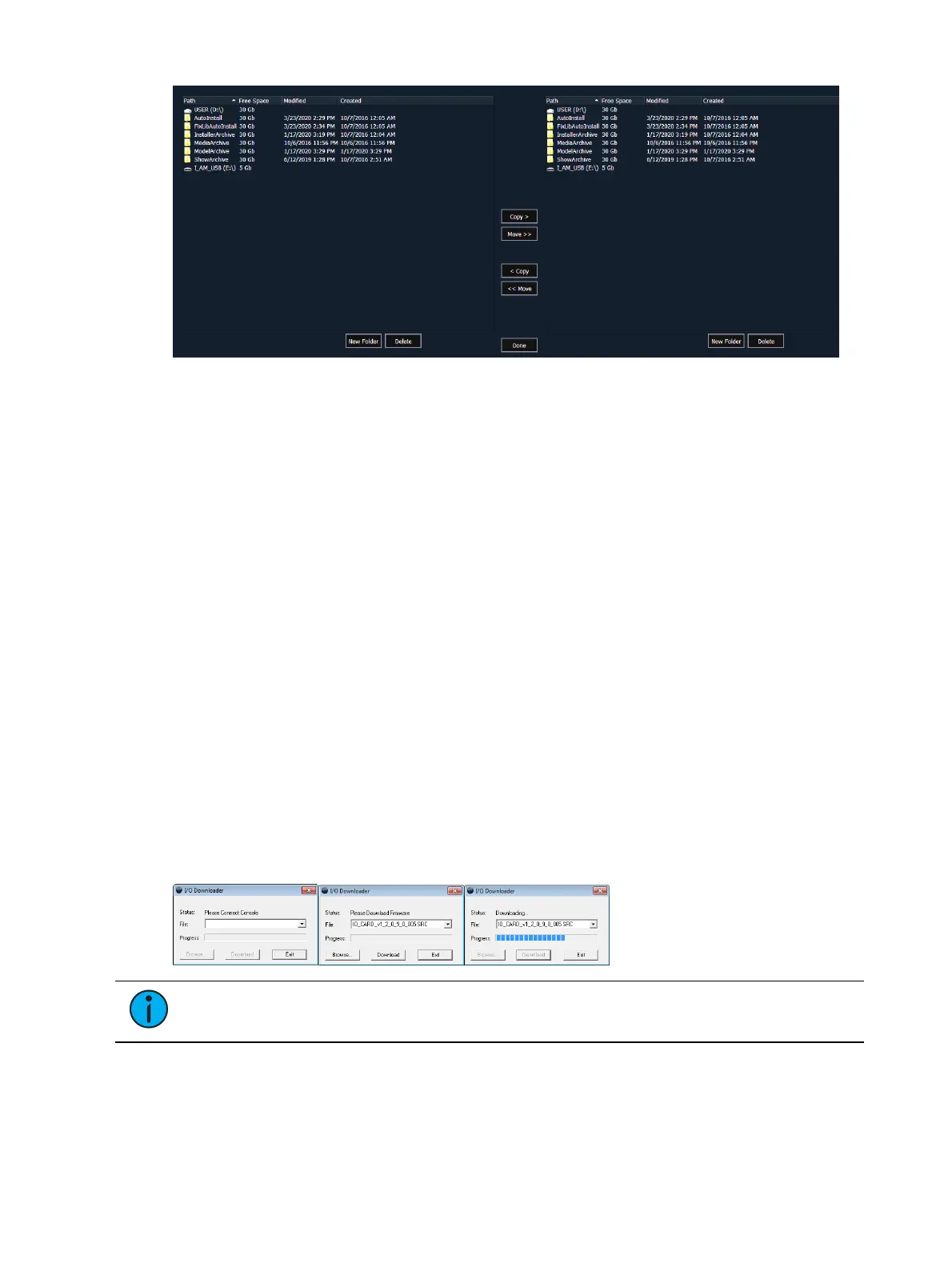
The file manager display will show the ShowArchive folder on your console as well as any
external USB drives that are detected. The display is split into two windows, so you can see
two different folders at the same time for copying or moving data between them.
{Gateway Configuration Editor (GCE)...}
Launches the GCEsoftware. This softkey will only display if the software is installed on your
console.
{Concert...}
Launches the Concertsoftware. This softkey will only display if the software is installed on
your console.
{UpdaterAtor...}
Launches the UpdaterAtorsoftware. This softkey will only display if the software is installed on
your console.
{Touch Screen Test...}
Opens an application for testing your touchscreens.
{Upgrade Console...}
This softkey is used for upgrading the console's outputs.
{Upgrade I/O Firmware...}
Note:
This option is for use with older I/O cards.
This softkey upgrades the firmware in the console’s I/O card.
When you first open the I/O Downloader, it will look for the connected console. This may take
several seconds.



 To Next Page