1 Installation and User Interface 15
Soft Focus Diffuser
To clean up edge effects, use the soft focus diffuser in the A-size pattern holder. If
combining the diffuser with a pattern, put the diffuser behind the pattern. The soft focus
diffuser allows you to maintain sharp focus of the pattern while eliminating edge effects. The
diffuser is intended for Source Four LED fixtures only.
A permanent install kit is available.
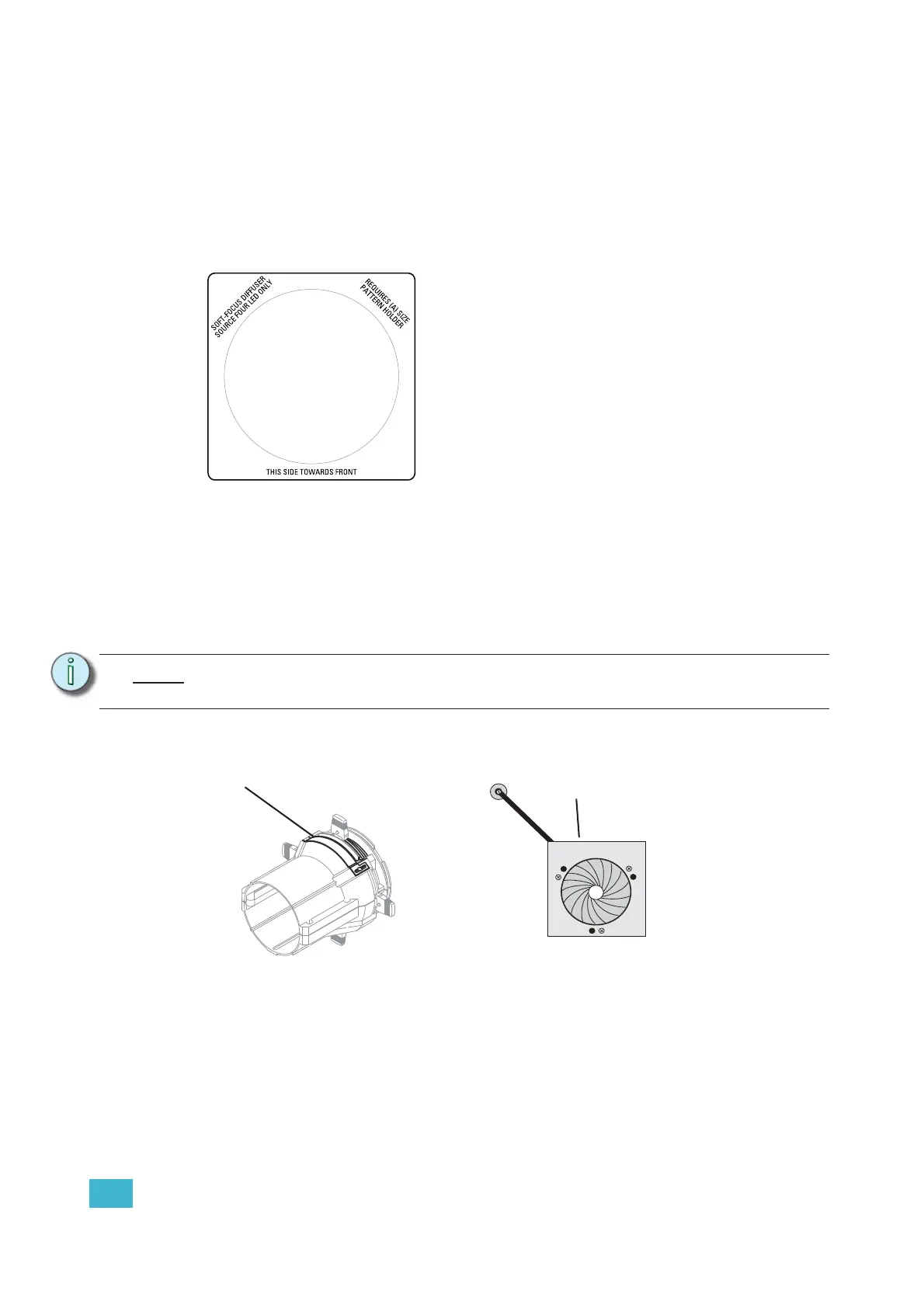
Figure-1.6 Soft Focus diffuser.
Step 1: Install the diffuser into an A-Sized Pattern holder.
Step 2: Install a pattern in front of the diffuser, if needed.
Step 3: Insert the pattern holder and diffuser into the Pattern holder slot, making sure the
writing on the diffuser faces the front of the fixture.
Also see Smooth Wash Diffuser, page 31.
Accessory Slot
Figure-1.7 Accessory slot
The accessory slot is located on the top of the shutter barrel and in front of the pattern holder slot.
It accommodates either a drop-in iris or a motorized pattern device. When the slot is not in use, a
small sheet metal cover secured with two Phillips screws prevents light leakage.
Note:
Enhanced Definition Lens Tubes (EDLT) are highly recommend for use with Source
Four LED Profile luminaires to provide a crisper pattern projection.
Accessory slot
Iris













 To Next Page