1 Installation and User Interface 31
Installing Accessories
Color Frame Holder
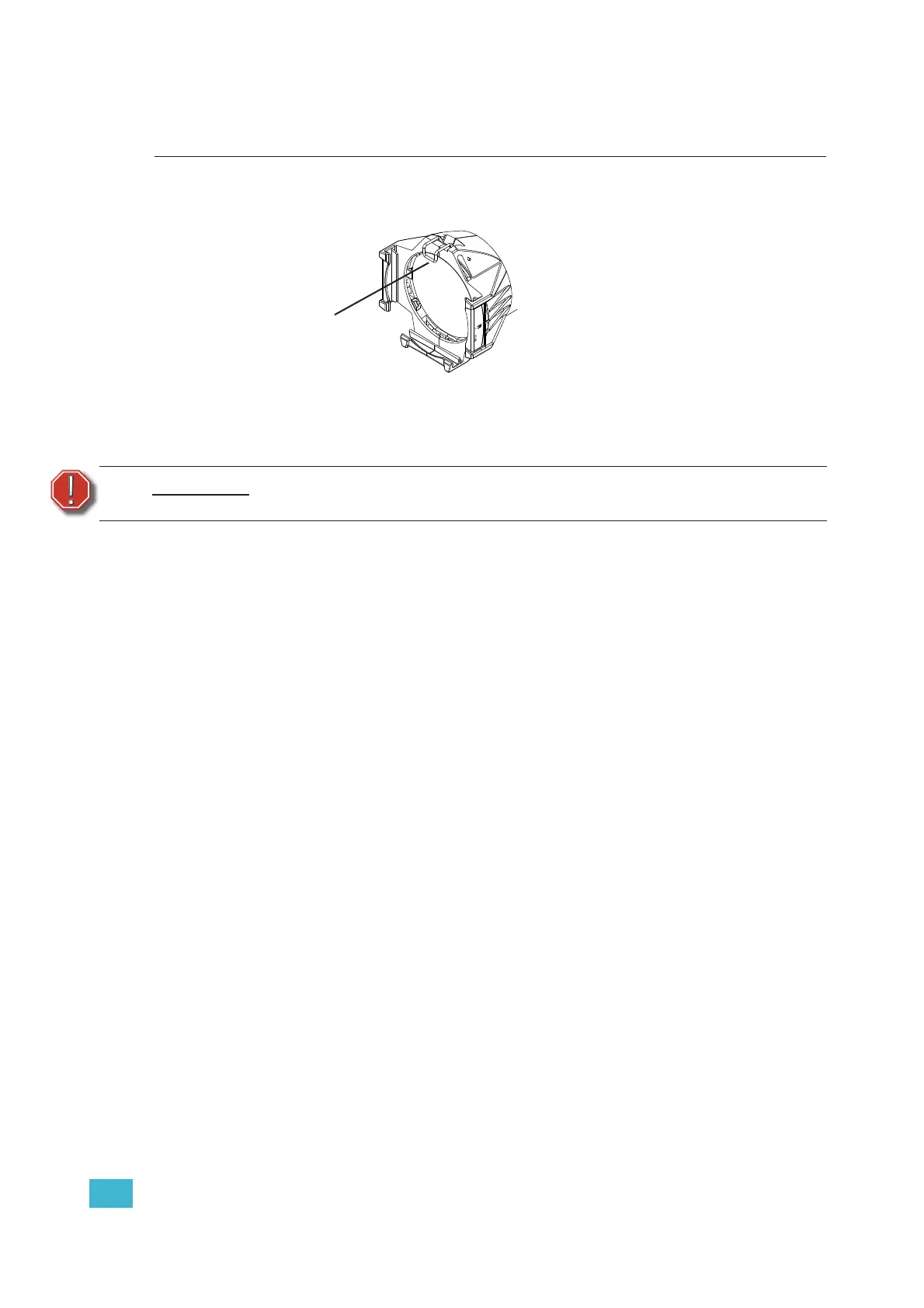
Figure-1.14 Color frame holder and retaining clip.
The gel frame holder is equipped with a spring-loaded retaining clip that prevents gel frames and
accessories from falling out.
Step 1: Release the retaining clip by pushing it sideways while gently pulling backwards.
Step 2: Insert the color frame or other accessory.
Step 3: Lock the retaining clip by pushing sideways while gently pushing forward.
Smooth Wash Diffuser
To reduce edge effects and provide better overlap when using the fixture for wash, use a
smooth wash diffuser. If this diffuser is used, it recommended to not use the soft focus
diffuser in the pattern holder. See Soft Focus Diffuser, page 15.
WARNING:
Make sure all color frames and accessories are locked in position with the
retaining clip before hanging the fixture.
Retaining clip
shown in the
locked position













 To Next Page