34 Source Four LED Profile v1.7.0 User Manual
User Interface Overview
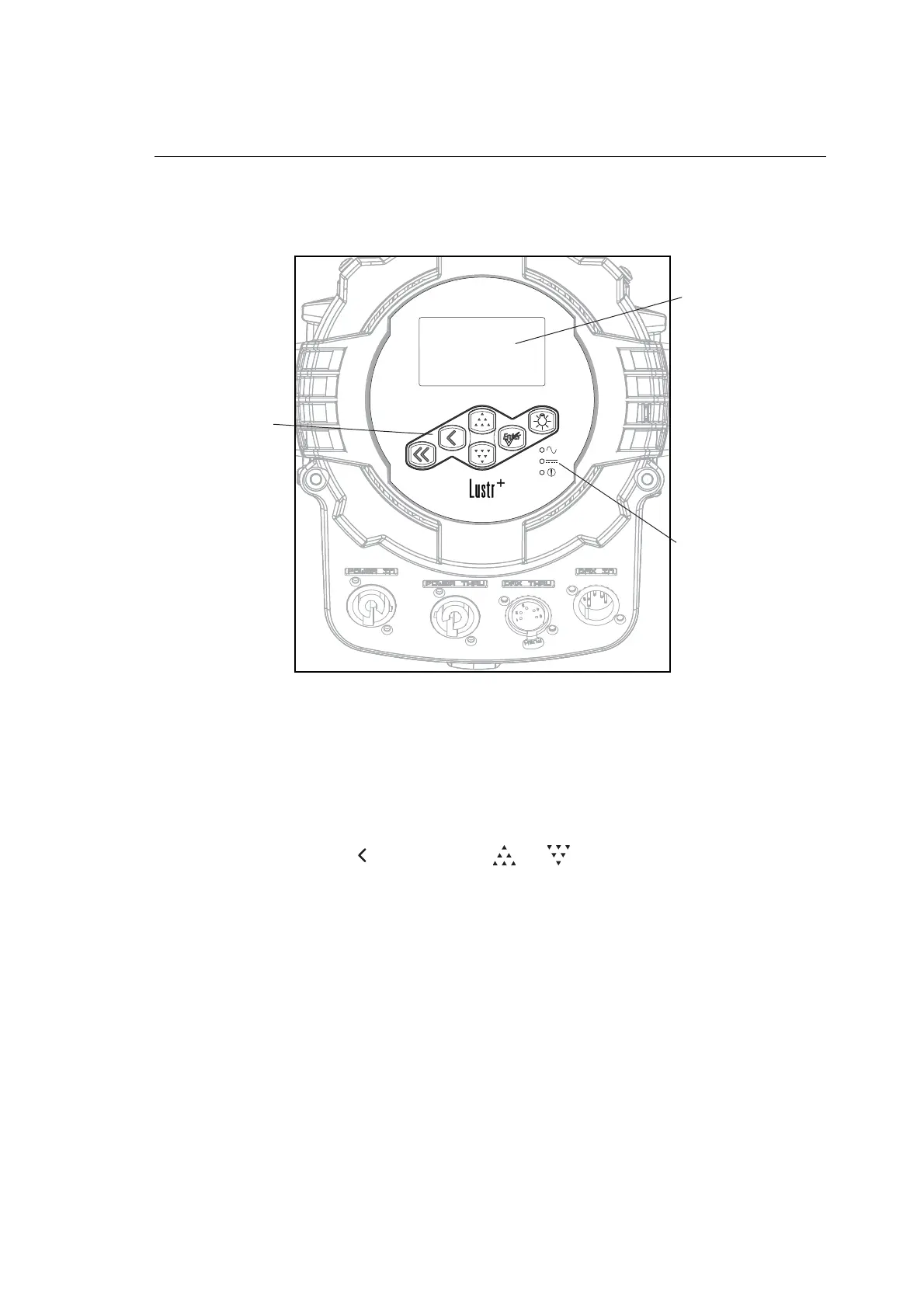
The Source Four LED Profile user interface (UI) consists of an LCD and keypad. All of the
basic information is displayed on the LCD and the keypad is used to navigate through the
menus. Use the LCD and keypad to program the fixture for your specific application.
Figure-2.1 User Interface on back of fixture.
LCD
The Source Four LED Profile fixture features a backlit LCD capable of displaying 8 rows of
text with 21 characters per line. The first row is reserved for the menu title.
To adjust the contrast of the LCD:
Press and hold [] and then press [] or [] repeatedly until the desired contrast
is achieved.
Status indicators
LCD
Keypad













 To Next Page