26 Source Four LED Profile v1.7.0 User Manual
Strobe
In most profiles, strobe is assigned to channel 5. It adds another channel to any of the DMX
profiles. Under the Advanced Settings menu, the strobe function may be disabled and the
additional channel for strobe will not be used by the fixture. With strobe at either DMX value
0 or 255, the fixture output is constantly on. At DMX 1, the fixture strobes slowly and
increases in speed toward DMX 254.
Plus 7
Plus 7 adds precision color-control override channels to the HSI, HSIC, RGB, and Studio
profiles. When in one of the above profiles, enabling Plus 7 adds an additional seven
channels to the profile(i.e. a D40XTI fixture in HSI with Plus 7 becomes a 14-channel
profile.) To enable Plus 7, place the Plus 7 Control channel at a value above 51%.
When using Plus 7, the desired color and intensity is selected by using the HSI or RGB
channels as a starting point. From there, the additional seven channels represent an
individual control channel for each of the native LED colors of the fixture and allow you to
adjust each LED color up or down to fine-tune the overall color output.
The first additional channel is an activation channel for the Plus Seven function. A value of
0 to 50% (DMX 0 to 129) deactivates Plus Seven. A value of 51 to 100% (DMX 130 to 255)
activates Plus Seven. The remaining 7 additional channels correspond to the individual
colors within the fixture's LED array.
Color Matching
The color output of all Source Four LED Profile fixtures is calibrated at the factory. When
operating in the RGB, HSI, HSIC, or Studio profile, each fixture makes accommodations for
the specific LEDs in its array and produces output that is consistent with other fixtures,
whether or not they utilize LEDs from the same production batch. Operating in the Direct
Control profile or with Plus 7 settings adjustments bypasses this calibration and multiple
fixtures may produce slightly different outputs when controlled as a group.
Note:
Depending on the initial color mix, some LED colors may begin at full intensity.
Moving the individual control channels for these colors from 128 to 255 (50-100%)
will produce no effective change from the initial color mix. Conversely, some LED
colors may begin at zero intensity, and moving individual control channels from 128
to 0 (50-0%) will produce no change.
Note:
When Plus 7 is enabled and the individual control channels have been adjusted,
those adjustments continue to apply after choosing a new color mix. For best results,
reset each of the individual control channels to 128 (50%) before choosing a new
initial color mix.
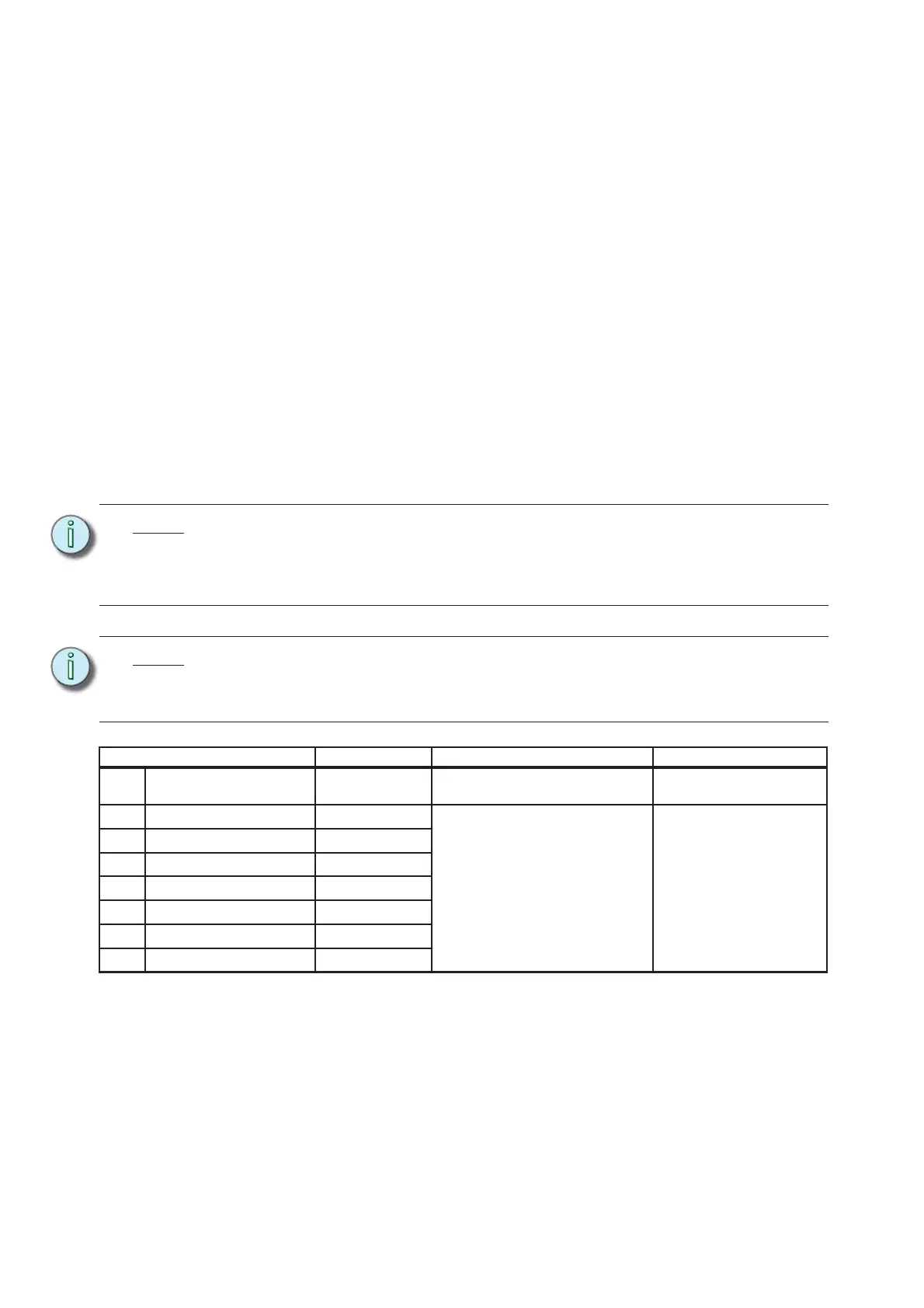
Data Channel Control Value Function
8 Fixture address + 7 Plus 7 control
0 to 129 = Plus 7 disabled
130 to 255 = Plus 7 enabled
Disable or enable Plus 7
control
9 Fixture address + 8
Color 1
a
a) See Color Mixes, page 24.
128 = No change from initial color
mix
129-255 = Increase from starting
value to full intensity
127-0 = Decrease from starting
value to zero intensity
Alter the individual LED
colors within the array to a
maximum of full intensity
or a minimum of zero
intensity.
10 Fixture address + 9
Color 2
a
11 Fixture address + 10
Color 3
a
12 Fixture address + 12
Color 4
a
13 Fixture address + 13
Color 5
a
14 Fixture address + 14
Color 6
a
15 Fixture address + 15
Color 7
a













 To Next Page