50 Source Four LED Profile v1.7.0 User Manual
Linear
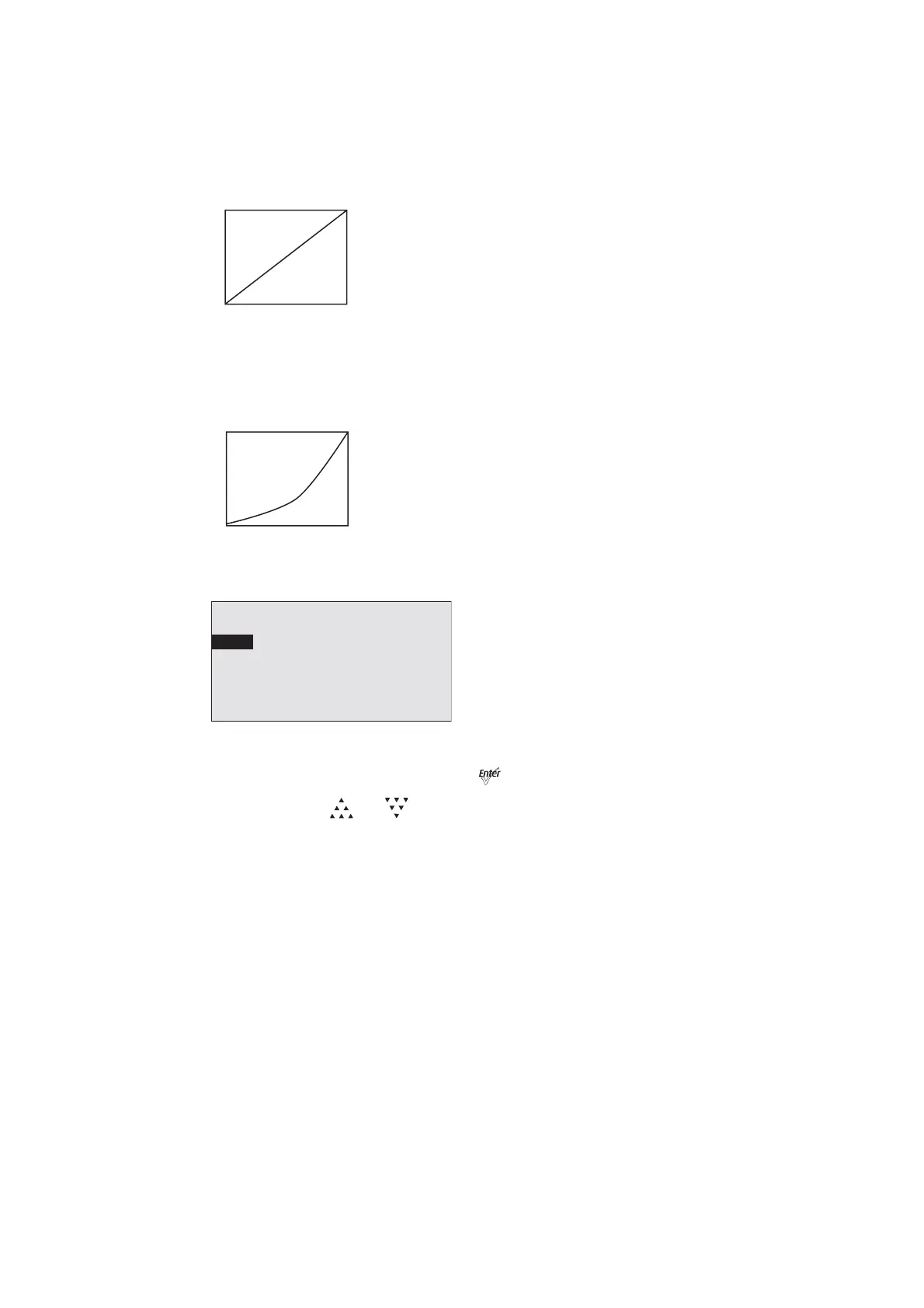
Linear has no curve. Brightness levels correlate exactly with the value of the dimming
control signal. Moderate lag in response for good dimming smoothness. Linear allows quick
jumps in brightness. It is best for studio lighting and applications with static scenes or looks.
Quick
Quick uses the standard dimming curve but with no lag or smoothing. All changes are
instant and correlated exactly with the control input signal. Quick is best for extreme high
impact and video-based control.
Step 1: On the LED Settings menu, scroll to Curve.
Figure-3.11 Selecting Curve on the LED Settings Menu.
Step 2: With Curve selected, press [] to toggle between the options.
Step 3: Press [] or [] to commit the option.
DMX
0 255
Intensity
DMX
0 255
Intensity
LED Settings
Output: Regulated
Curve: Standard
Output Freq: 1200
Red Shift: Off
White Point: 3200K













 To Next Page