54 Source Four LED Profile v1.7.0 User Manual
Step 1: On the Presets and Sequences menu, scroll to Presets.
Step 2: Press [].
Step 3: With Preset selected, press [].
Step 4: Press [] or [] to set the desired preset number.
Step 5: Press [].
Step 6: Press [] to select Status.
Step 7: Press [] to activate the Preset.
The action changes to Active and an asterisk (*) displays in front of the preset
number.
Fade Time
Fade time is the length of time the fixture takes to crossfade from the previous setting to the
Preset. The format is MM:SS. The default is 2 seconds.
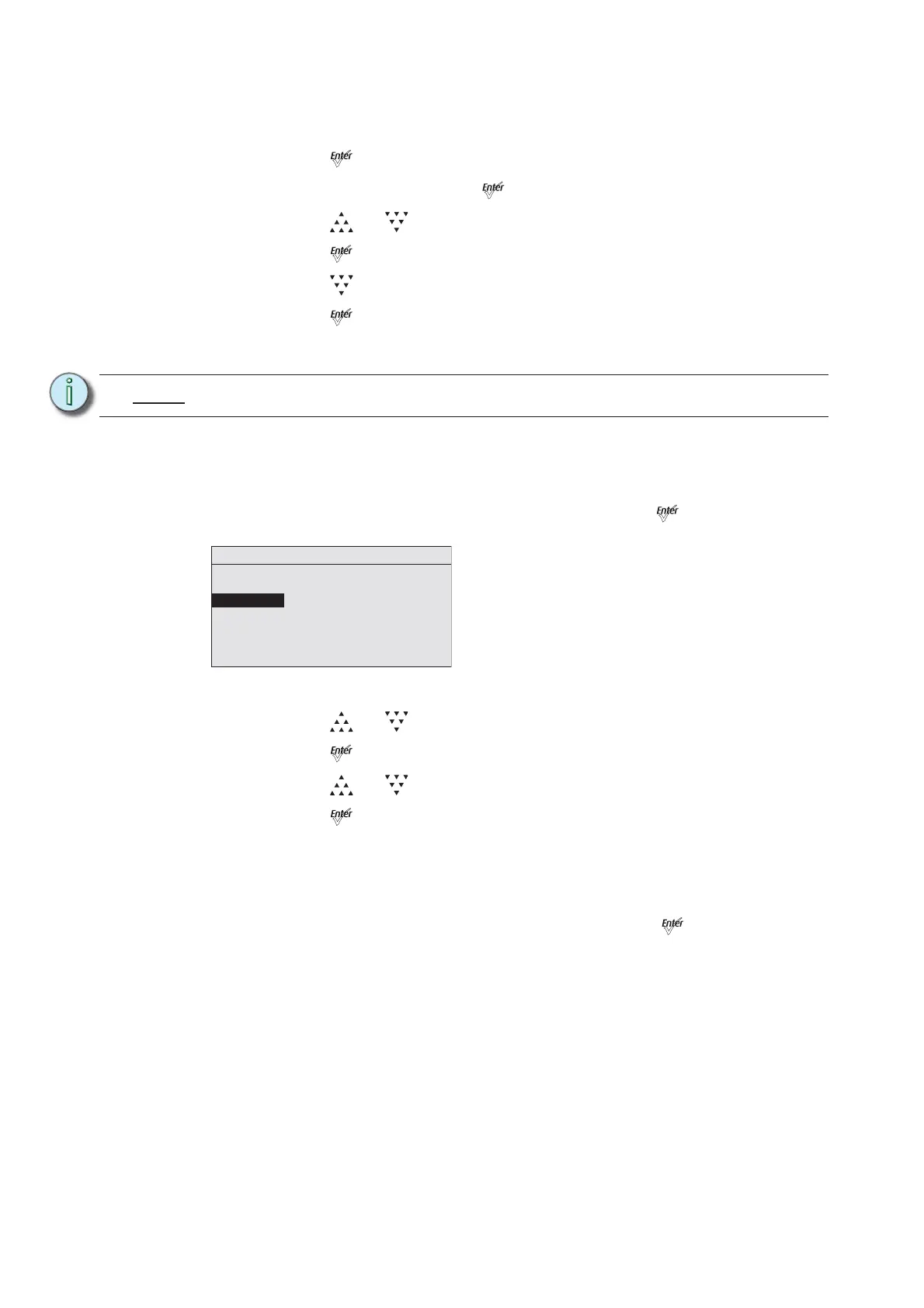
Step 1: On the Presets menu, scroll to Fade Time and press [].
Figure-3.17 Selecting Fade Time on the Presets Menu.
Step 2: Press [] or [] to set the desired time in minutes.
Step 3: Press [].
Step 4: Press [] or [] to set the desired time in seconds.
Step 5: Press [].
Delay Time
Delay time is the length of time the fixture waits on the previous setting before initiating the
cross-fade to the Preset. The default is 0 seconds.
Step 1: On the Presets menu, scroll to Delay Time and press [].
Note:
You cannot activate a Preset if the fixture is receiving an external DMX control signal.
Presets
Preset: * 23
Status: Active
Fade Time: 00:02
Delay Time: 00:00
Edit Color
Copy to Other Fixture
Save DMX as Preset













 To Next Page