66 Source Four LED Profile v1.7.0 User Manual
Individual Control (Ind Cntl)
Use Individual Control to select each LED series and then adjust its intensity.
Step 1: On the Test screen, scroll to Action.
Step 2: Press []until the Ind Cntr option displays.
One of the LED series will illuminate.
Step 3: Press []to select the series.
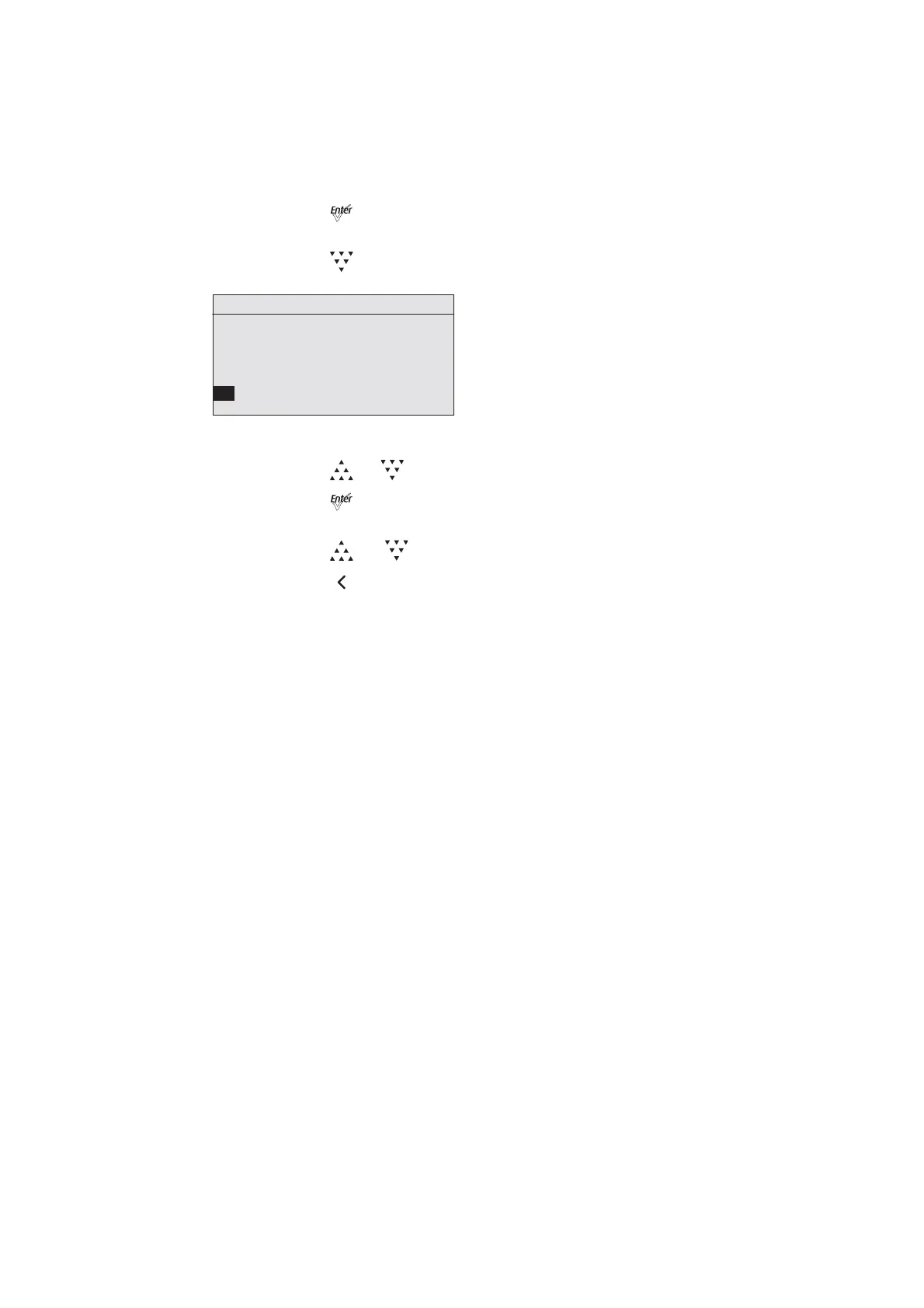
Figure-3.35 Test Screen in Individual Control Mode.
Step 4: Press []or [] to set the intensity of the series.
Step 5: Press [] to move to the next series.
The value you entered for the first series is applied to the next series.
Step 6: Press [] or [] to change the intensity of the series.
Step 7: Press [] to return to Action.
Diagnostics
Individual Control
Test
Action: Ind Cntr
Chase: 15 steps/sec
G O R A O R I
56 00 00 00 00 00 00













 To Next Page