EasyManua.ls Logo

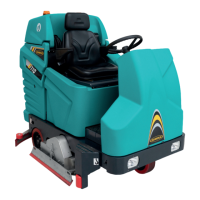
Eureka E110 - Optional- Description of the Machine with Right Side Scrubbing Brush

Eureka E110
59 pages
Print Icon
To Next Page IconTo Next Page
To Previous Page IconTo Previous Page
Loading...
46
OPTIONAL
RIGHT SIDE SCRUBBING BRUSH
1
2
3
4
5
6
7
8
9
10
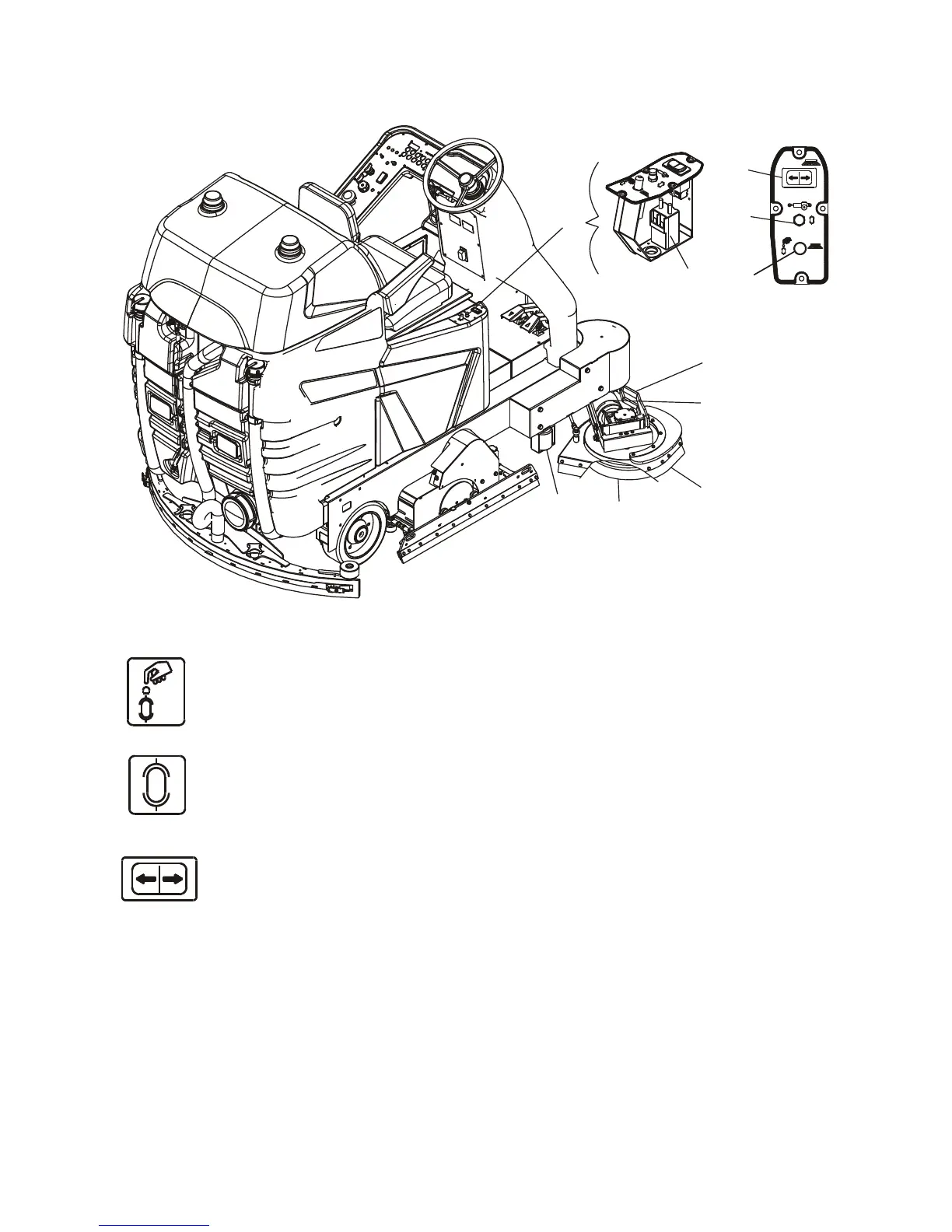
1. SIDE BRUSH CONTROL PANEL
2.
RESET FUSE When the brush motor exceeds the established current draw for a few minutes, the
fuse trips and stops the motor. Wait 1-2 minutes, press the fuse button and the brush will start
working again.
3.
FUSE - 3 A glass fuse to protect the brush lifting actuator
4.
BRUSH CONTROL BUTTON By pressing the right side of the button, the brush drops
and comes out of the side. By pressing on the left side of the button, the brush returns in and
lifts up.
NOTE the side brush only turns when the main brushes are operating.
5. REMOTE-CONTROL SWITCH
6. BRUSH PLATE
7. MOTOR REDUCER
8. SPLASHGUARD
9. BRUSH
10. BUFFER ROLLER

Table of Contents

Other manuals for Eureka E110

Related product manuals