PhoenixBIOS features and setup
Issue G 79
Monitoring hardware
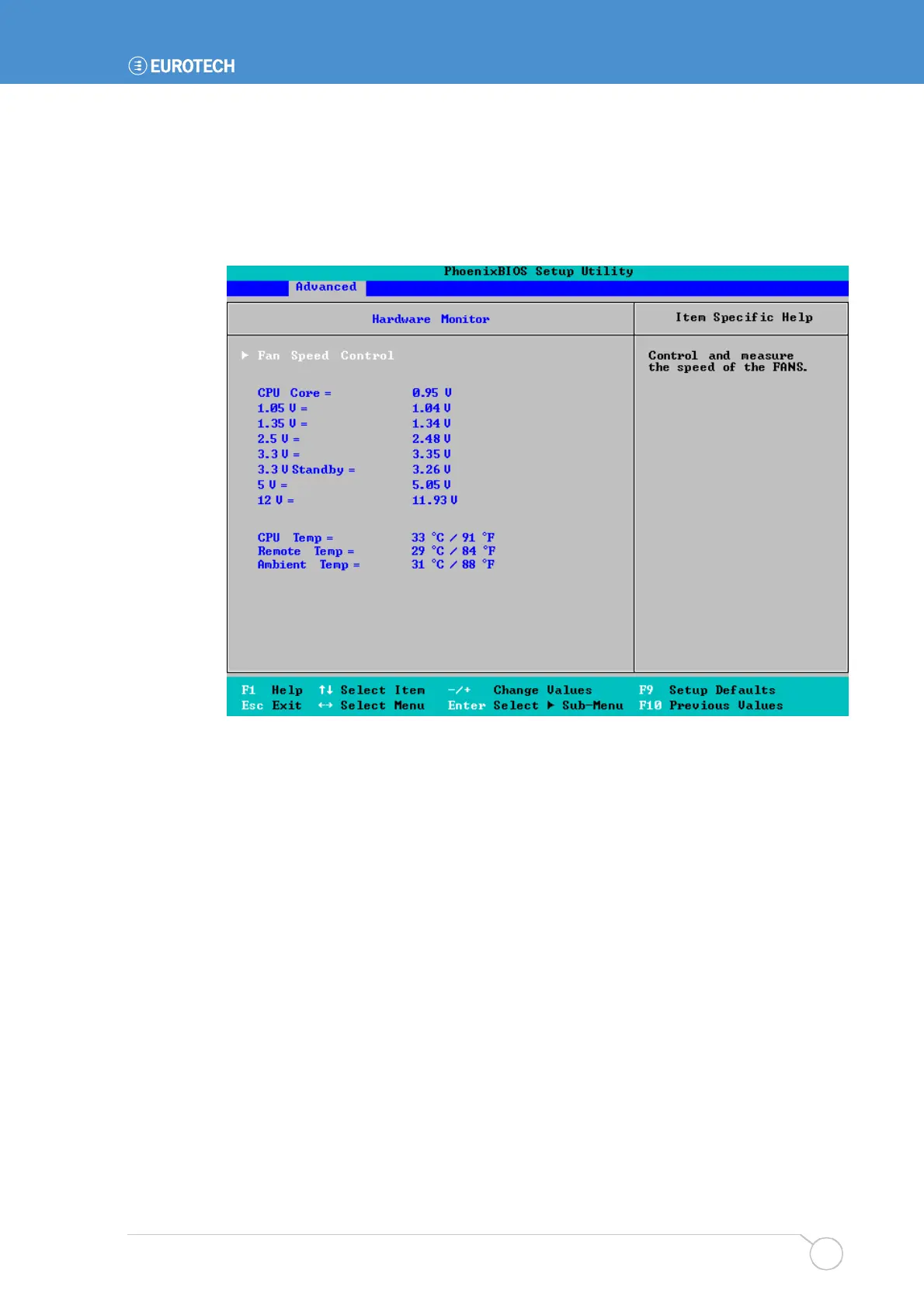
You can monitor the temperature and voltage of hardware attached to your APOLLO.
To do this, highlight Hardware Monitor in the Advanced menu and press Enter. The
following screen is displayed:
The system voltages and temperatures are shown in real-time. For each voltage required
by components, the actual voltage being passed is displayed.
In addition, you can click on Fan Speed Control to view and control the system and CPU
fan settings. See the following section for more information.



 To Next Page