4. Assign an IP address of 192.168.001.003 to the DVR, a Subnet mask of
255.255.255.000, and a default gateway of 192.168.001.001.
5. The next step is to get the computer onto the same network to do this you will need
administrator access to your windows machine.
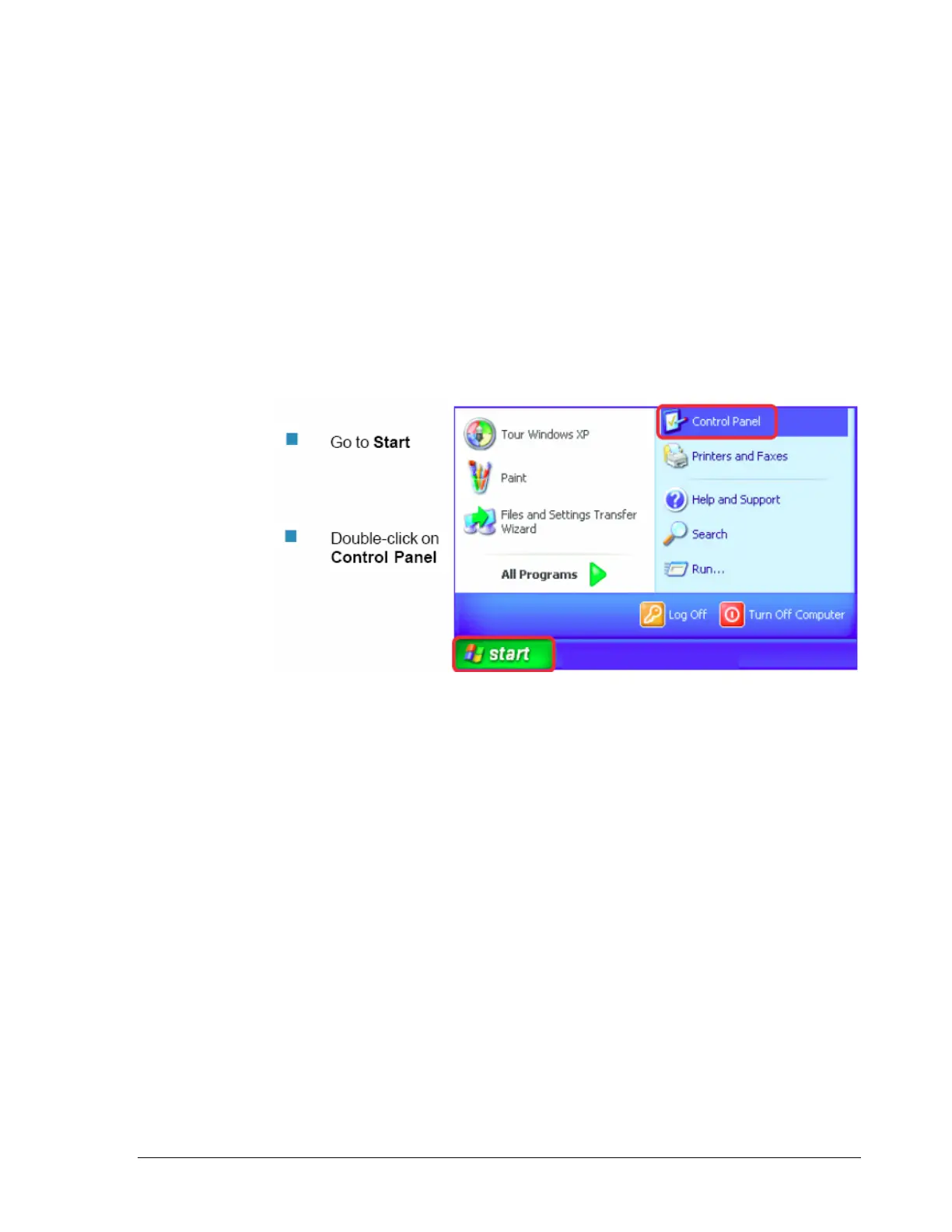
6. To assign a static IP address in windows 2000/XP.
91













 To Next Page